I tested 5 AI writing tools over 7 days — and the results were not what I expected. I’ve written comparisons and reviews before, but most of those articles describe what tools can do rather than what actually happens when you use them under real conditions for a sustained period. So I ran a structured experiment to find out.
For 7 days, I used five different AI writing tools as my primary writing assistant — one tool per day, rotating through each one, using it for everything I needed to write that day. Same tasks, different tools. Here’s what I found.
Fair warning: some of the results surprised me. One tool I expected to love disappointed me. One I expected to dismiss ended up earning a permanent place in my workflow.
The Setup
The tools I tested:
- ChatGPT (free plan)
- Claude (free plan)
- Google Gemini (free plan)
- Jasper AI (trial)
- Copy.ai (free plan)
The tasks I used each tool for:
- Writing one 1,000–1,500 word blog post
- Drafting 3 professional emails
- Summarizing one long document (10+ pages)
- Generating 5 social media captions
- Creating one content outline
How I measured results:
- Time from brief to usable first draft
- How much editing was required before the output was publishable
- How the tool handled specific, detailed instructions
- Whether I’d actually want to use it again
I used each tool on the same day of the week for consistency — and I kept notes throughout. Here’s what happened.
Day 1: ChatGPT — The One I Already Trusted
Here’s an actual screenshot from Day 1, my own ChatGPT account:
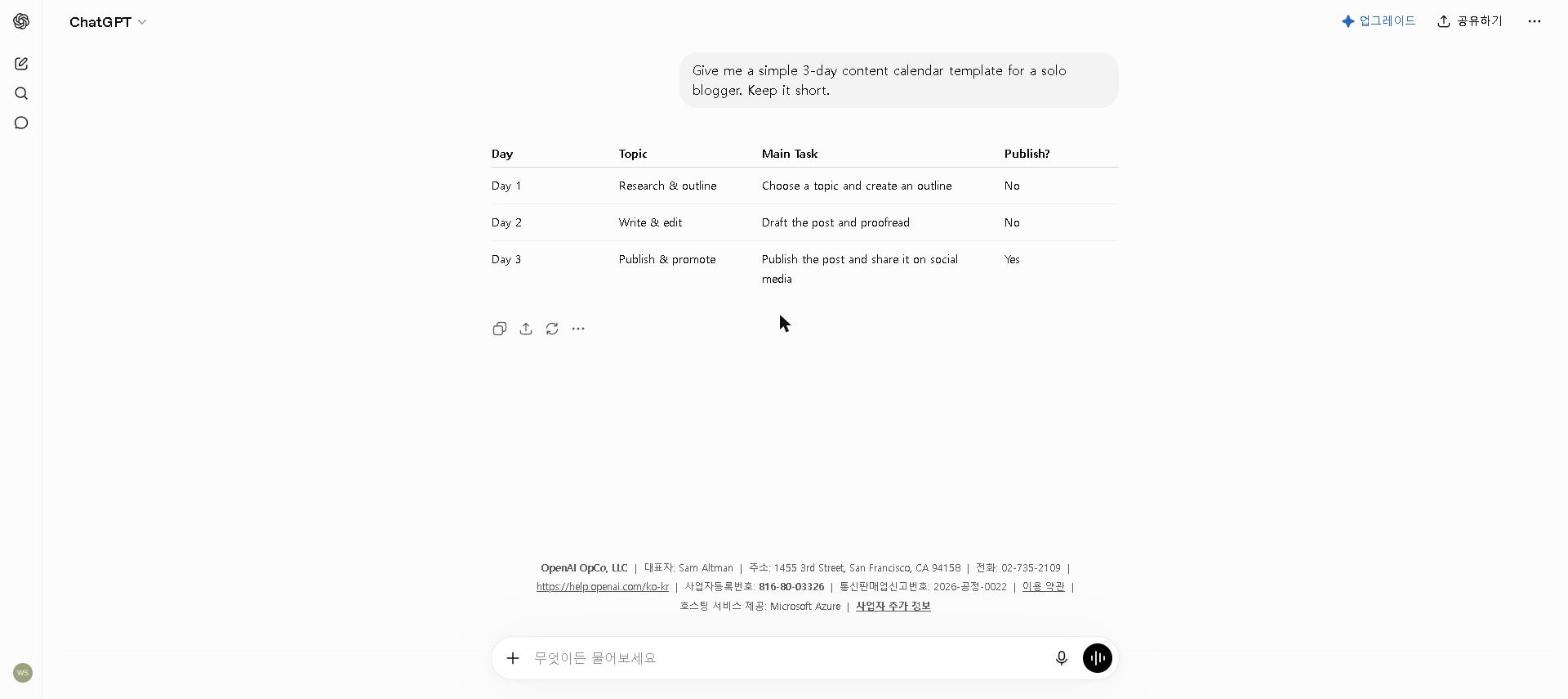
I started with ChatGPT because it’s the tool I use most. I wanted a baseline.
The blog post: I gave it a detailed brief — topic, target audience, tone, approximate word count, and three key points to cover. The outline it produced in under 2 minutes was clean and logical. The full draft came in at around 1,200 words and required about 25 minutes of editing before I was happy with it.
The emails: Fast and solid. For a routine follow-up email, the first draft was nearly ready to send. For a more sensitive message — a polite pushback on a supplier’s pricing — it took three rounds of refinement to get the tone right. Usable, but not effortless.
The document summary: This is where I hit a limit. The document was 14 pages and I pasted it in sections. ChatGPT struggled to synthesize across sections — the summary read like three separate summaries rather than one coherent overview.
The social captions: Strong. Five captions in under 90 seconds, all usable with minor tweaks.
My honest take: ChatGPT is the most versatile tool I tested. It’s not the best at any single thing, but it handles the widest range of tasks reliably. The prompt quality matters enormously — I’ve been using it long enough to write good prompts, which probably inflates my results compared to a new user.
Time to usable first draft (blog post): 28 minutes total including editing.
Day 2: Claude — The One That Changed My Writing Workflow
And from Day 2, a real screenshot of Claude:
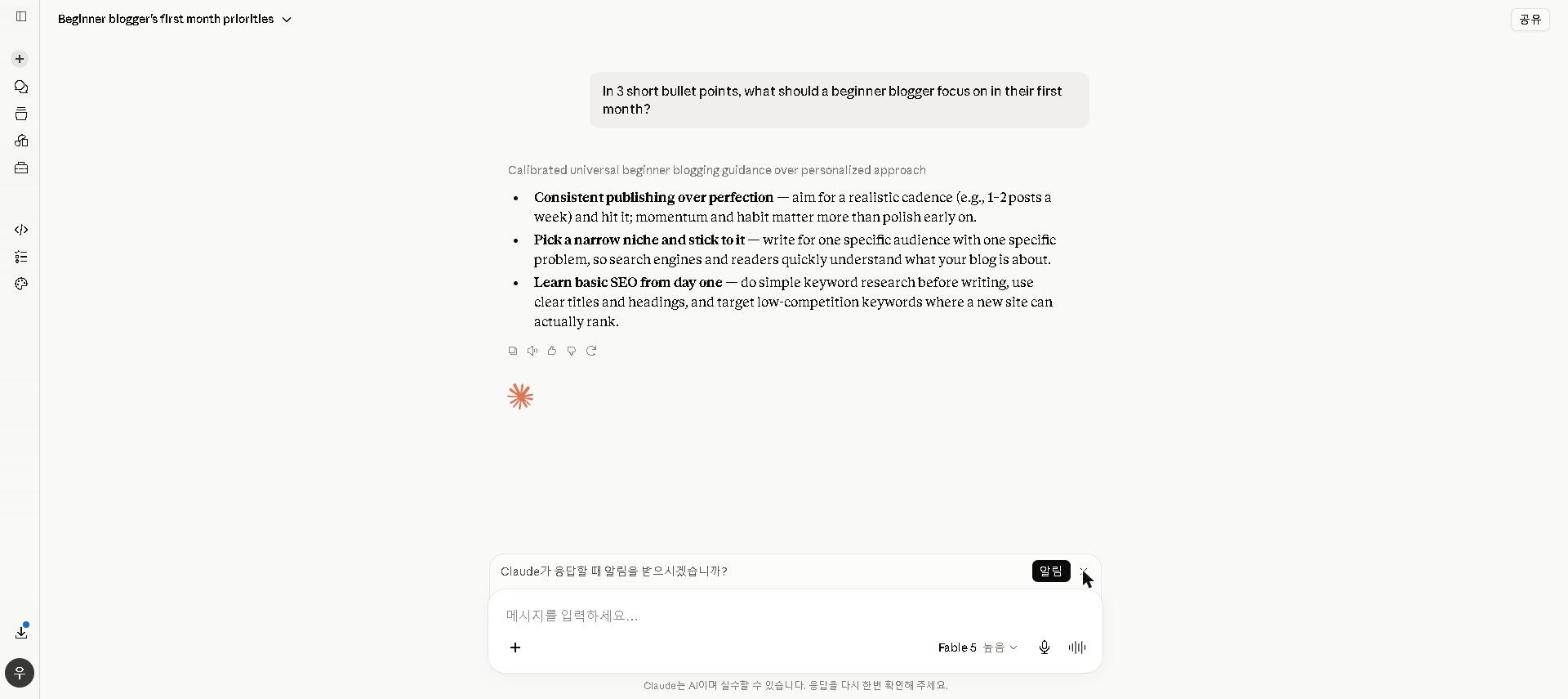
I came into Day 2 with high expectations for Claude based on previous testing. It exceeded them.
The blog post: Same brief as Day 1. Claude’s draft was noticeably more polished out of the gate — the transitions between sections were smoother, the argument built more naturally, and the conclusion actually tied back to the introduction in a way that felt intentional rather than formulaic. Editing time: 14 minutes. That’s half of what ChatGPT required for the same brief.
The emails: Where Claude surprised me most. The sensitive pricing pushback email — the one that took three rounds with ChatGPT — Claude produced a near-perfect version on the first attempt. The tone was firm but not aggressive, acknowledged the relationship, and made the ask clearly. I sent it with one small edit.
The document summary: This is where Claude genuinely separated itself. I uploaded the full 14-page document in one go. Claude produced a coherent, well-structured summary that correctly identified the three most important findings — including one I’d nearly missed myself. This alone would make it worth using for anyone who works with long documents regularly.
The social captions: Good but slightly more formal than I wanted. Took an extra round of prompting to loosen the tone.
My honest take: Claude is the best writing tool I’ve tested for anything that requires sustained quality across a long piece. The document handling is exceptional. The main limitation is the free plan’s usage caps — on a heavy writing day, I hit the limit by early afternoon.
Time to usable first draft (blog post): 16 minutes total including editing.
Day 3: Google Gemini — The One I Underestimated
And from Day 3, a real screenshot of Gemini:
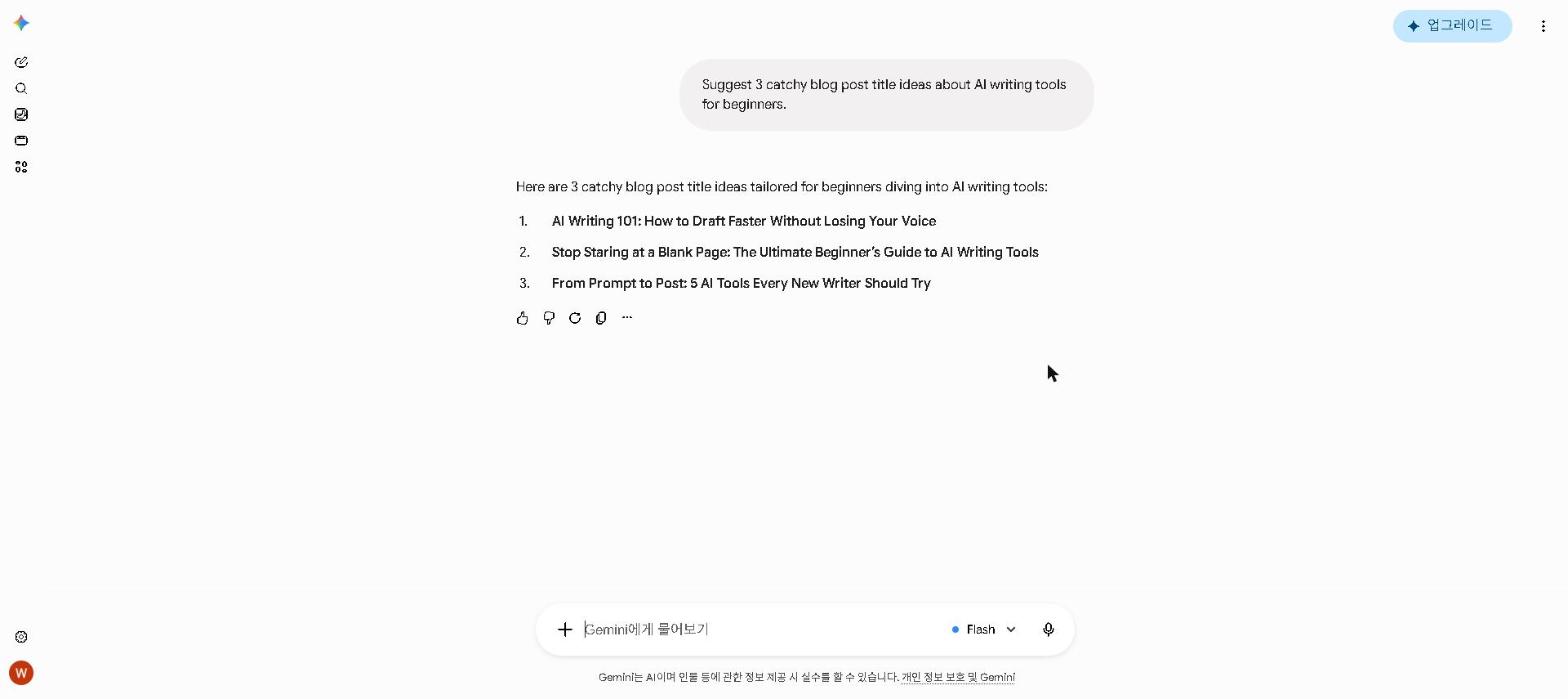
I’ll be honest: I went into Day 3 expecting to be underwhelmed. I came out with a changed opinion.
The blog post: The draft quality was good — not Claude-level, but noticeably better than I’d expected. Editing time was around 22 minutes. What impressed me more than the quality was the workflow: I did the entire thing inside Google Docs without switching tabs once. Gemini suggested improvements inline, rewrote paragraphs on request, and helped me restructure a section that wasn’t working — all within the document I was already editing.
The emails: Drafting directly inside Gmail was genuinely useful. For routine emails, the friction reduction of not switching to a separate tool was meaningful. For complex emails requiring nuanced tone, the quality was slightly behind Claude.
The document summary: Strong. Not as detailed as Claude’s output, but faster and accurate enough for most purposes.
The social captions: Solid and appropriately casual in tone.
What I didn’t expect: The real-time web search integration. When I was writing about a topic that required current data, Gemini pulled in recent statistics without me having to ask. That saved meaningful research time.
My honest take: If you live in Google Workspace — Gmail, Docs, Drive — Gemini is more practical than any other tool on this list, purely because of the integration. The writing quality is good enough, and the friction reduction of staying in one environment is undervalued. For a full breakdown, check out our Google Gemini Review 2026.
Time to usable first draft (blog post): 22 minutes total including editing.
Day 4: Jasper AI — The One That Disappointed Me
I had high expectations for Jasper going into Day 4. It’s the most expensive tool I tested and is specifically marketed as a professional writing tool.
The blog post: The output was competent but felt more templated than the others. The structure was logical, the language was clean, but something felt slightly generic — like it was written to a formula rather than to a specific brief. Editing time was 31 minutes, which was more than ChatGPT and significantly more than Claude.
The emails: This is where Jasper’s marketing focus showed most clearly. The sales email template it produced was polished and professional. The more nuanced emails — relationship-sensitive communication, complex negotiations — felt less natural.
The document summary: Adequate but not impressive. It missed one of the three key findings that Claude had correctly identified.
The social captions: The strongest result of the day. The marketing-focused training clearly helps here — the captions were punchy and platform-appropriate.
What I struggled with: The interface. Jasper has a lot of features and templates, and navigating between them added overhead that the simpler tools don’t have. For a first-time user, there’s a real learning curve.
My honest take: Jasper is a strong tool for marketing teams producing high-volume, brand-consistent content. For individual bloggers and content creators, the price premium over Claude and ChatGPT is hard to justify based on output quality alone. I wouldn’t pay $39/month for it when Claude’s free plan produces better long-form output. For a full breakdown, see our Jasper AI Review 2026.
Time to usable first draft (blog post): 31 minutes total including editing.
Day 5: Copy.ai — The One That Surprised Me
I expected Copy.ai to be the weakest tool of the five. It wasn’t — but it earned its place for specific reasons.
The blog post: The weakest of the five for long-form content. The draft felt noticeably more mechanical, and the editing required was the most of any tool I tested — around 40 minutes. For sustained long-form writing, it’s not competitive with Claude or ChatGPT.
The emails: Decent for standard templates. The email subject line generator was genuinely good — I generated 10 variations in under a minute and three of them were better than what I’d have written myself.
The document summary: Below average. It struggled with the length and produced a surface-level overview rather than a meaningful synthesis.
The social captions: This is where Copy.ai genuinely impressed me. The template-based approach — where you fill in specific fields about your product, audience, and tone — produced more consistently on-format captions than any other tool. For social media content at volume, it’s the most efficient option I tested.
What changed my view: The template library. For specific, structured formats — ad copy, subject lines, product descriptions — the guided input produces better results than an open prompt. It’s not versatile, but it’s genuinely good at what it’s designed for. For a full breakdown, see our Copy.ai Review 2026.
My honest take: Copy.ai is the right tool for a specific use case: high-volume, structured short-form marketing copy. For everything else, the other tools on this list are stronger.
Time to usable first draft (blog post): 40 minutes total including editing.
The Results: Side by Side
| Tool | Blog Post (editing time) | Emails | Long Doc Summary | Social Captions |
|---|---|---|---|---|
| ChatGPT | 28 min | ⭐⭐⭐⭐ | ⭐⭐⭐ | ⭐⭐⭐⭐⭐ |
| Claude | 16 min | ⭐⭐⭐⭐⭐ | ⭐⭐⭐⭐⭐ | ⭐⭐⭐⭐ |
| Google Gemini | 22 min | ⭐⭐⭐⭐ | ⭐⭐⭐⭐ | ⭐⭐⭐⭐ |
| Jasper AI | 31 min | ⭐⭐⭐ | ⭐⭐⭐ | ⭐⭐⭐⭐⭐ |
| Copy.ai | 40 min | ⭐⭐⭐ | ⭐⭐ | ⭐⭐⭐⭐⭐ |
What I Learned From 7 Days of Testing
1. Claude is the best pure writing tool — by a meaningful margin. The editing time difference alone (16 minutes vs 28–40 minutes for the others) adds up to hours saved per week for anyone writing regularly. For long documents, there’s no close second.
2. The “best” tool depends entirely on your use case. Copy.ai’s social captions beat Claude’s. Gemini’s Google integration beats ChatGPT’s convenience for Workspace users. Jasper’s marketing templates have their place. Picking a single winner ignores how different these tools actually are.
3. Free plans are genuinely capable. Every tool I tested has a free plan, and the gap between free and paid is smaller than the marketing suggests. Claude’s free plan produced the best writing quality of anything I tested — better than Jasper’s paid plan.
4. Prompt quality matters more than tool choice for most tasks. The biggest variable in output quality wasn’t which tool I used — it was how clearly I specified what I needed. A detailed prompt in ChatGPT consistently outperformed a vague prompt in Claude.
5. The tool you’ll actually use is the best tool. Gemini isn’t the highest-quality writing tool. But if you’re already in Google Docs all day, you’ll use it — and actually using a good tool beats not using a great one.
My Current Workflow (After This Test)
Based on 7 days of structured testing, here’s how I now split work across tools:
- Claude — any blog post or article over 500 words, complex email drafting, long document analysis
- ChatGPT — outlines, brainstorming, quick structured tasks, coding help
- Gemini — anything I’m doing inside Google Docs or Gmail
- Copy.ai — social media captions at volume, ad copy, subject line generation
- Jasper AI — removed from my regular workflow
Who Should Read This
This test was most relevant for:
- Bloggers and content creators deciding which tool to invest in
- Professionals who write a lot and want to understand the real-world differences
- Anyone who’s read AI tool comparisons and wanted to see actual timed results
If you’re just getting started, the short version is: try Claude and ChatGPT free plans on the same task this week. The comparison will tell you more than any review can.
Final Thoughts
Seven days of structured testing taught me things I couldn’t have learned from reading other people’s reviews — including some of my own. The tools that performed best weren’t always the ones with the best reputations or the highest prices. The tool that disappointed me most was the most expensive one I tested.
If you’re choosing between these tools, don’t trust the marketing. Run your own version of this test — pick one task you do regularly, try three tools on it this week, and let the results decide.
What AI writing tool have you been using — and has it matched your expectations? Share in the comments. I’m curious whether others found the same gaps I did.
Last updated: May 2026
Written by Ian Sung — IT professional and AI tools reviewer with 2+ years of hands-on experience testing 50+ AI tools across writing, productivity, automation, and content creation workflows.