There are 3 AI tools I regret paying for — and I want to be honest about exactly what went wrong with each one.
I’ve spent more money on AI tools than I’d like to admit over the past two years. Over the past two years, I’ve subscribed to more than a dozen paid AI tools — some for a month, some for longer. Most of them I don’t use anymore. A few I genuinely regret paying for, not because they were bad tools, but because I paid for them at the wrong time, for the wrong reasons, or without understanding what I actually needed.
This isn’t a takedown piece. Every tool I’m about to mention has genuine strengths and real users who get value from it. But for my specific workflow and use case, the paid versions weren’t worth the money — and I want to be honest about that, because most AI tool content is written by people who are incentivized to tell you everything is worth buying.
Here are the three AI tools I regret paying for, what went wrong, and what I use instead.
Tool #1: Jasper AI — $39/Month I Didn’t Need
What I expected: A professional-grade AI writing tool that would produce noticeably better content than free alternatives — worth the premium for the quality improvement.
What actually happened: The output quality for long-form blog content was good but not meaningfully better than Claude’s free plan. The editing time on a typical 1,500-word article was actually slightly longer with Jasper than with Claude — around 31 minutes versus 16 minutes in my structured 7-day test. The templates and workflows that Jasper is known for are genuinely useful for marketing teams producing high-volume, structured copy — but for a solo blogger publishing a few times per week, they added interface complexity without adding value.
The moment I realized I’d made a mistake: About three weeks in, I noticed I was opening Claude first for almost every writing task and only switching to Jasper when I remembered I was paying for it. That’s not a workflow — that’s rationalization.
What I use instead: Claude’s free plan for long-form writing and ChatGPT’s free plan for everything else. Combined, they cover every writing task I had been using Jasper for — at no cost. For a full breakdown of how Claude and ChatGPT compare, check out our ChatGPT vs Claude 2026 guide.
Who Jasper actually makes sense for: Marketing teams of 3+ people producing brand-consistent content at scale, where the Brand Voice training and team collaboration features deliver value that free tools can’t match. For solo creators, the math doesn’t work. For a full breakdown, see our Jasper AI Review 2026.
Money spent before canceling: $117 (3 months)
Tool #2: Grammarly Premium — $12/Month with Diminishing Returns
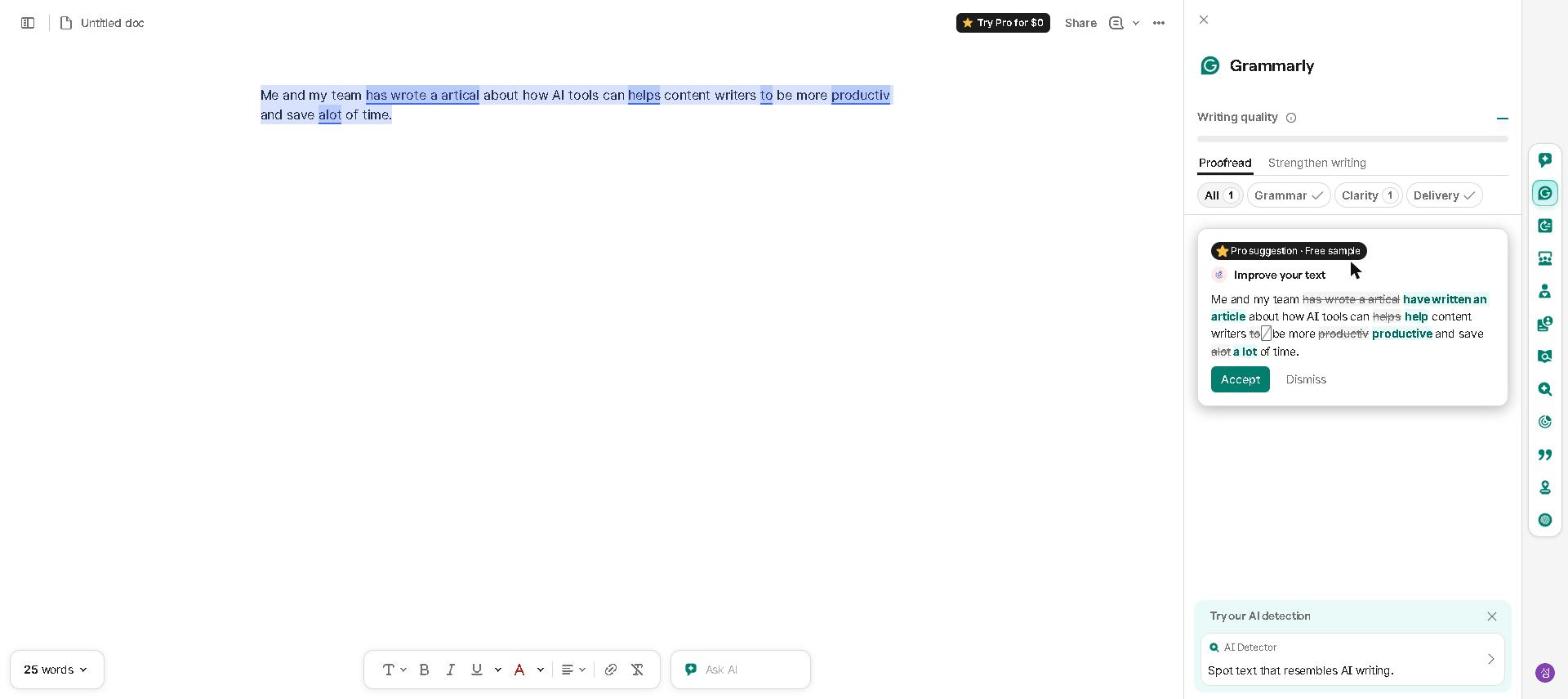
Here’s real Grammarly, from my own account, for reference:
What I expected: A meaningful upgrade from the free plan — better suggestions, more useful tone detection, and writing improvements that would justify the monthly cost.
What actually happened: The first month of Grammarly Premium felt genuinely useful. The tone detection was better than the free version, the style suggestions caught things I was missing, and the plagiarism checker gave me peace of mind for published content. By month two, I was dismissing most of the suggestions without reading them. By month three, the tool had become background noise.
The problem wasn’t Grammarly — it was me. I’d internalized the most useful feedback from the free plan over months of use, and the Premium suggestions were largely catching errors I’d already stopped making. The tool had done its job too well — and I was paying for a benefit I’d already received.
The moment I realized I’d made a mistake: I ran a month-end review of how often I was accepting Premium-specific suggestions versus dismissing them. The acceptance rate was under 20%. I was paying $12/month for suggestions I was ignoring 80% of the time.
What I use instead: Grammarly’s free plan — which I still use every day and genuinely recommend to everyone. The free tier catches grammar errors, basic style issues, and provides tone detection that’s good enough for most professional communication. For the vast majority of users, the free plan delivers most of the value. For a full breakdown, see our Grammarly Review 2026.
Who Grammarly Premium actually makes sense for: Non-native English speakers who need comprehensive writing support, academics who need the plagiarism checker regularly, and professionals who are still developing their writing consistency. If you’ve been writing professionally for several years and your error rate is already low, the Premium upgrade will deliver diminishing returns faster than you expect.
Money spent before canceling: $144 (12 months — I waited too long to cancel)
Tool #3: Motion — $19/Month That Didn’t Fit My Reality
What I expected: A fully automated daily schedule that would eliminate the cognitive overhead of deciding what to work on next — and protect my focus time from calendar chaos.
What actually happened: Motion’s automated scheduling worked well when my day went according to plan. The problem is that my days rarely go according to plan. When an urgent priority emerged mid-morning, Motion’s response was to reschedule everything — which created a cascade of displaced tasks that required manual intervention to sort out. The tool was optimizing for a version of my workday that doesn’t exist.
The deeper problem: Motion works best for people with relatively predictable workloads and stable priorities. My work involves frequent context switching, unpredictable urgent requests, and priorities that shift significantly within a single day. Motion’s fully automated approach treated every schedule disruption as a problem to be solved algorithmically — when sometimes the right response is a human judgment call that no algorithm can make.
The moment I realized I’d made a mistake: After two weeks, I found myself spending more time managing Motion’s rescheduling suggestions than I would have spent manually planning my day. A productivity tool that adds cognitive overhead is the wrong tool.
What I use instead: Reclaim AI’s free plan, which takes a more flexible approach — protecting focus time and scheduling tasks around meetings without trying to control the entire day. The key difference is that Reclaim AI assists my planning rather than replacing it. For days that require significant replanning, I use ChatGPT to think through prioritization rather than trusting an algorithm to do it for me. For a full breakdown of scheduling tools, check out our Best AI Tools for Time Management in 2026 guide.
Who Motion actually makes sense for: Professionals with predictable workloads, fixed recurring tasks, and stable daily structures — particularly those who struggle with self-directed prioritization and want a system that makes scheduling decisions for them. If that description fits you, Motion might be genuinely transformative. It just wasn’t right for me.
Money spent before canceling: $38 (2 months)
What These Three Mistakes Taught Me
1. Free plans are better than most people think. In every case above, the free alternative I switched to was genuinely capable — not a compromise. The paid plans I regret weren’t bad; the free alternatives were just better than their reputation suggested.
2. Timing matters as much as tool quality. Grammarly Premium was probably worth it when I was earlier in my writing development. Jasper might be worth it when I’m managing a content team rather than writing solo. The right tool at the wrong time is still the wrong tool.
3. Two weeks is the minimum evaluation period. I bought Jasper after a one-day trial and Motion after reading reviews. Both decisions were made before I understood how the tool would actually fit — or not fit — into my real workflow. Now I use free plans for at least two weeks before considering a paid upgrade.
4. Watch your actual usage, not your intended usage. The clearest signal that a paid tool isn’t working is when you’re reaching for something else first. If you’re paying for a tool and consistently opening a free alternative instead, the data has already given you the answer.
5. The best AI tool is the one you actually use. This sounds obvious, but it’s the lesson I had to learn three times. A slightly inferior tool you use consistently beats a superior tool you use reluctantly.
What I Actually Pay For Now
After two years of trial and error, here’s the only AI subscription I currently pay for:
Claude Pro — $20/month
That’s it. Claude Pro’s writing quality for long-form content justifies the cost for my specific use case — I write multiple long articles per week and the editing time reduction from Claude’s quality pays back the subscription cost within the first week of the month. Everything else I need is covered by free plans — ChatGPT, Grammarly, Perplexity AI, Reclaim AI, and Canva AI.
If you’re just starting out with AI tools, my honest recommendation is to build your entire workflow on free plans first. The free tiers of Claude, ChatGPT, Grammarly, and Perplexity AI are genuinely capable of covering most professional AI needs. Add paid subscriptions only when you’ve identified a specific gap that the free plan demonstrably can’t fill — and you’ve been hitting that gap consistently for at least two weeks.
The Tools I Don’t Regret
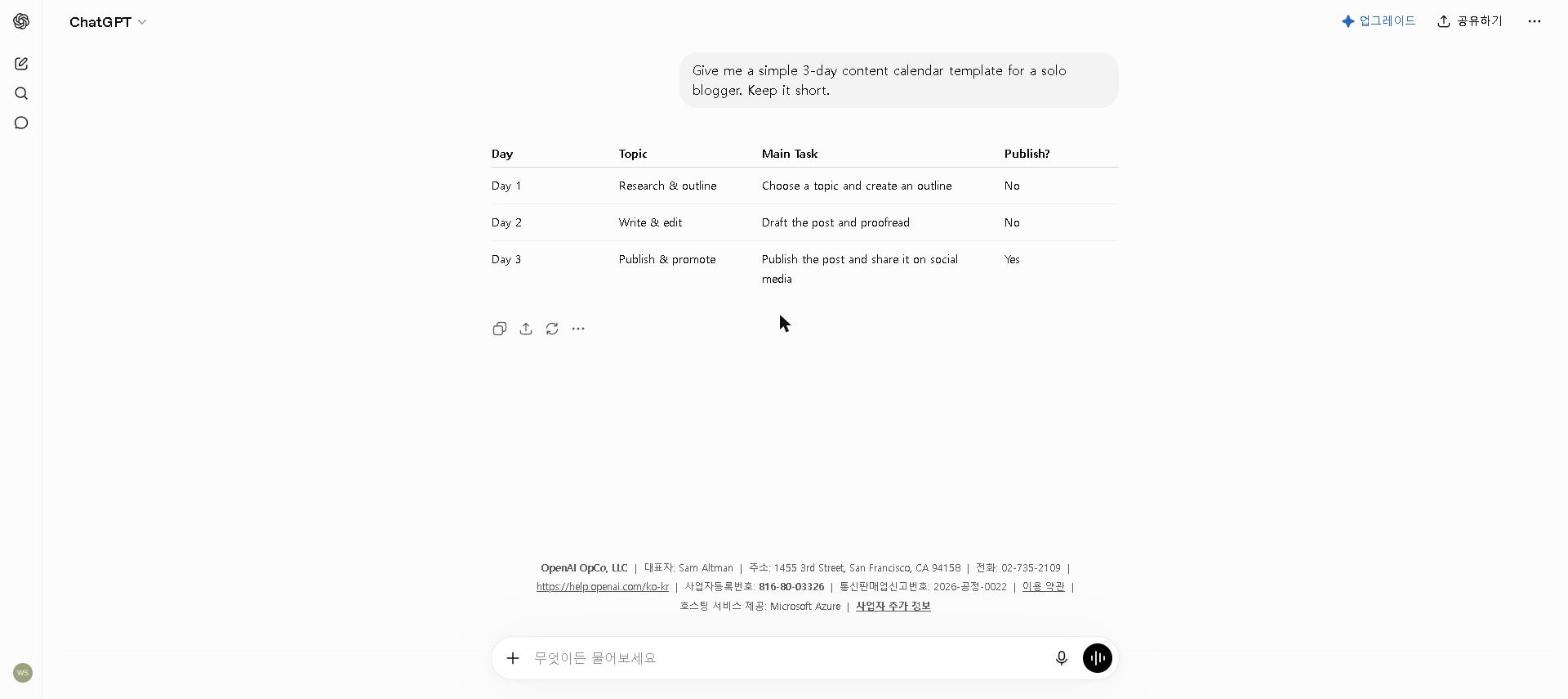
Real screenshots of the tools I actually kept — starting with ChatGPT:
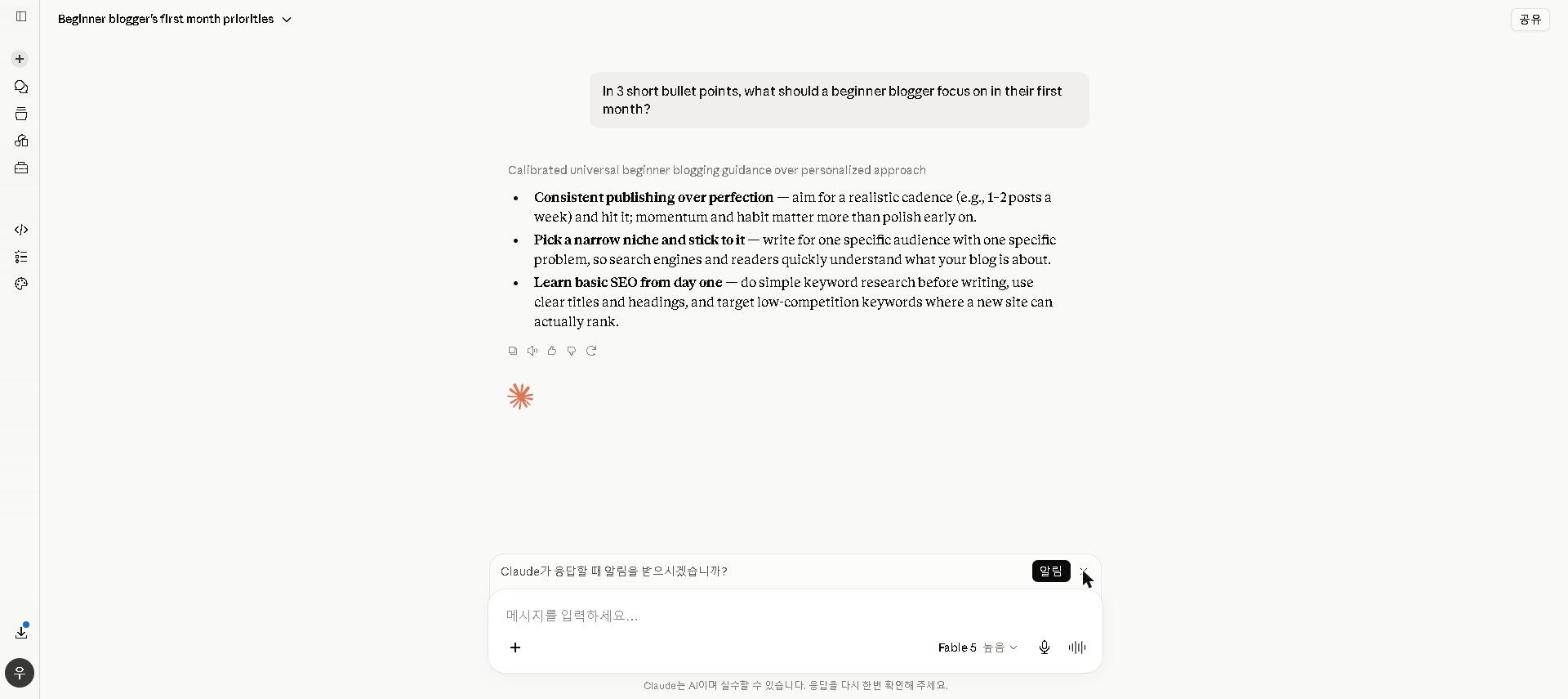
Claude:
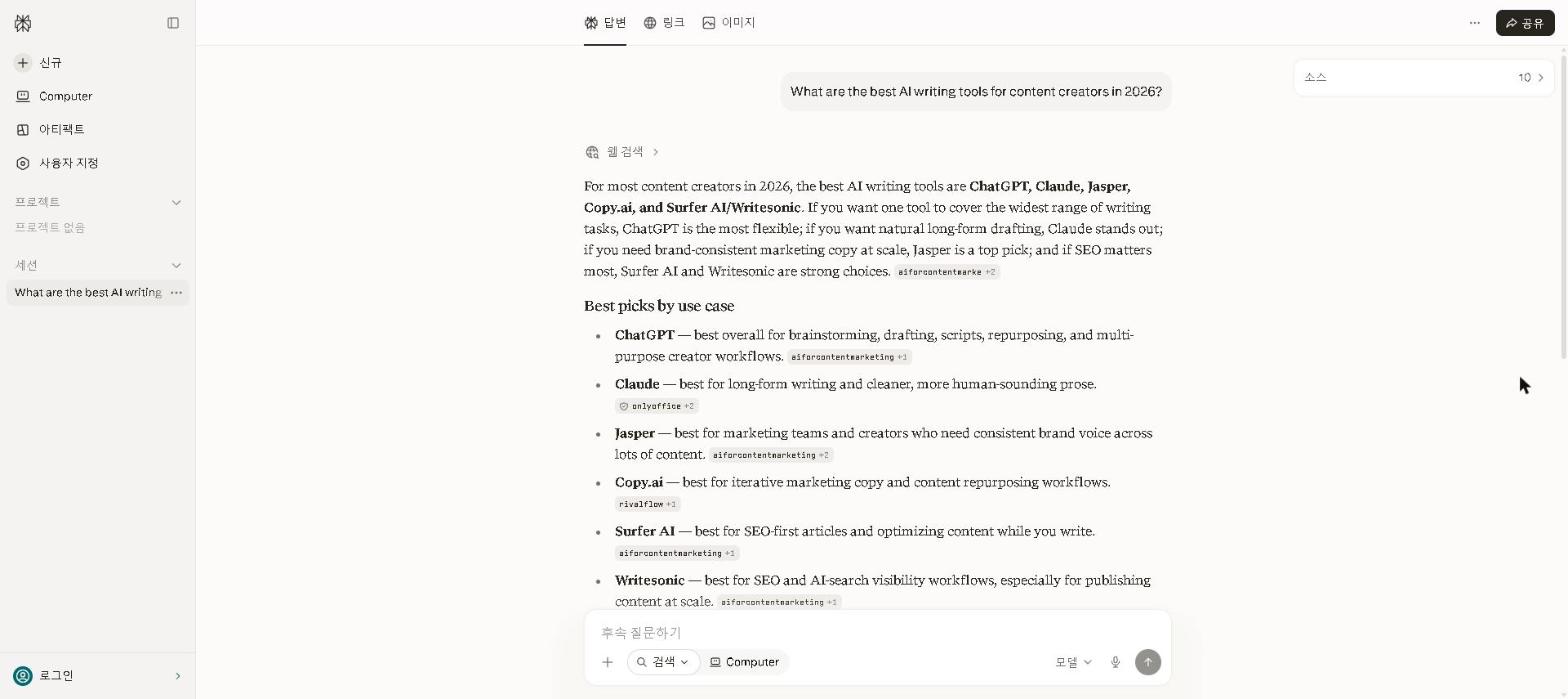
Perplexity:
And Canva AI:

For balance — here are the AI tools I’ve paid for and genuinely think were worth it:
Claude Pro — the writing quality improvement for long-form content is real and measurable. For anyone writing 3+ substantial pieces per week, the time savings pay for the subscription.
Otter.ai Pro — I upgraded after consistently hitting the free plan’s transcription limits across multiple meeting-heavy weeks. The unlimited transcription on the Pro plan removed a genuine bottleneck in my workflow. For a full breakdown, see our Otter.ai Review 2026.
Canva Pro — the Brand Kit and unlimited background removal are genuinely useful for content creators producing visual assets regularly. The free plan is excellent; the Pro upgrade was worth it when my visual content volume increased enough to hit the free limits consistently.
Final Thoughts
The AI tool market is full of genuinely good products — and full of marketing that makes every tool sound essential. The honest truth is that most professionals can build a powerful AI workflow entirely on free plans, and the paid upgrades that are genuinely worth it are fewer than the industry would like you to believe.
Before you pay for any AI tool, ask yourself three questions: Have I used the free plan consistently for at least two weeks? Am I hitting the free plan’s limits regularly during actual work — not just occasionally? Is there a free alternative I haven’t properly evaluated?
If you can’t answer yes to all three, wait before upgrading. Your wallet will thank you.
What AI tools have you paid for and regretted? Share in the comments — I’m genuinely curious whether others have had the same experience with these tools or different ones.
Last updated: May 2026
Written by Ian Sung — IT professional and AI tools reviewer with 2+ years of hands-on experience testing 50+ AI tools across writing, productivity, automation, and content creation workflows.
Pingback: Best AI Tools for Freelancers in 2026 | AI Tool Spot
Pingback: How I Decide If an AI Tool Is Worth My Time (My 3-Step Filter) | AI Tool Spot