The best AI tools for managers in 2026 are the ones that take over the writing and admin that crowds out actual management — status updates, meeting follow-ups, review prep and scheduling.
Where this list comes from: ChatGPT and Claude are part of my daily work. Lattice, Fellow.app and Reclaim AI are covered from their official documentation and verified user reviews, and each section says so. I’m an IT professional rather than a people manager, so this is a guide to what each tool is good at, not a management case study.
If you’re skeptical about AI as a manager, start small: one tool, one recurring task, a few weeks.
Most of these have strong free plans — so there’s no reason not to start today.
Where a Manager’s Week Goes
A typical week for many managers includes:
- 3–4 hours writing status updates, meeting recaps, and project briefs
- 20–30 minutes per client call writing up notes afterward
- Constant context-switching between team updates, emails, and planning docs
- Zero time left for the strategic work that actually moves things forward
Those are the gaps worth filling first: status updates, meeting follow-ups and the writing that keeps slipping into the evening.
Microsoft’s Work Trend Index has consistently found meeting and communication load to be among the heaviest recurring costs on a manager’s week, which is where these tools make the clearest difference.
Should You Use AI Tools as a Manager?
- Do you spend more than 2 hours per week writing meeting recaps and status updates? → Yes — this is the most recoverable time you have
- Do you run recurring 1:1s or OKR check-ins that lose track of action items between meetings? → Yes, Fellow.app solves this directly
- Do you dread writing performance reviews or struggle to track OKR progress across your team? → Yes, Lattice makes this dramatically less painful
- Does your schedule feel impossible to control? → Yes, Reclaim AI is built for this
- Do you only have occasional management tasks? → Free plans cover light use — no paid plan needed
Quick Comparison Table
The Tools, and What Each One Solves
1. ChatGPT — My Daily Writing Partner
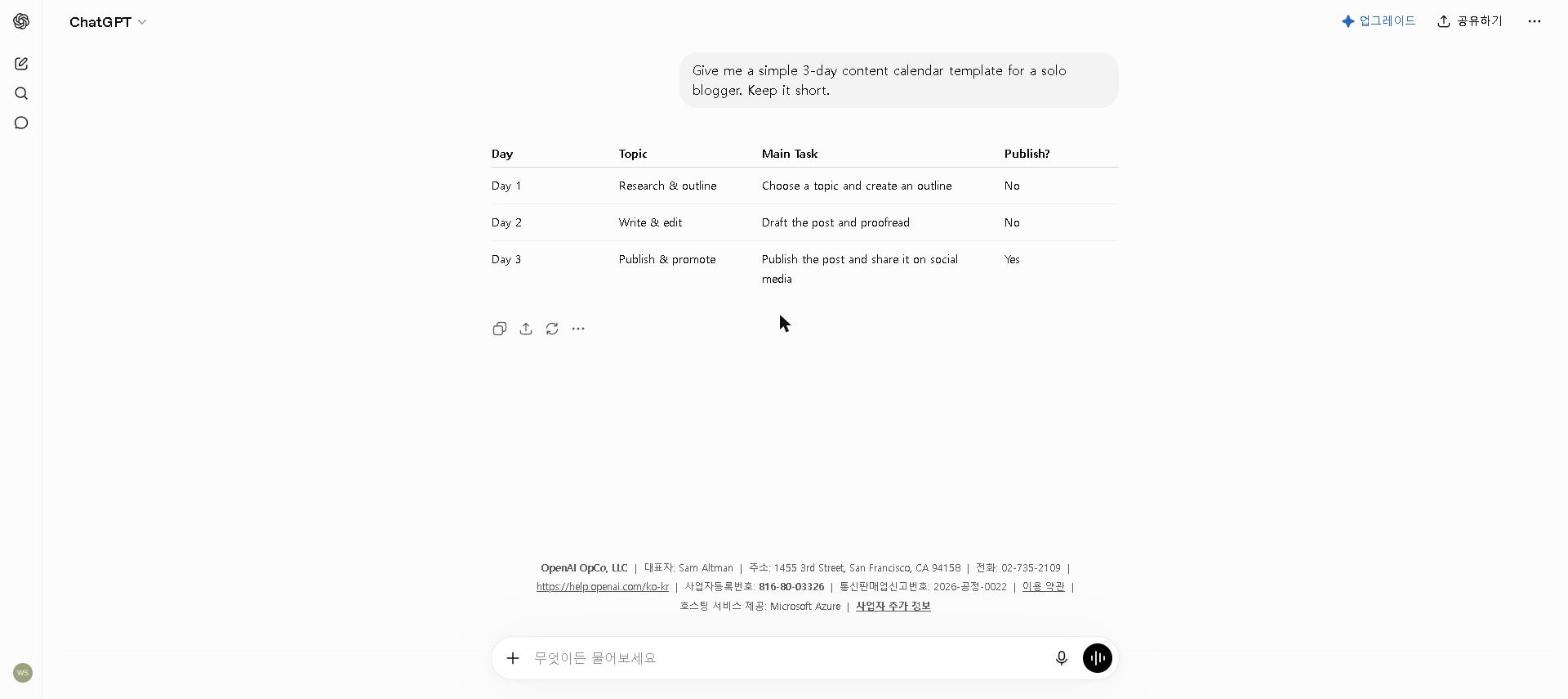
The problem it solves: project briefs, performance review frameworks, team announcements and stakeholder updates eat large chunks of a manager’s week when every document starts from scratch.
Where it fits: weekly status update templates you customize each week, first drafts of performance review frameworks, organizing your thoughts before difficult conversations, and translating complex project updates into clear summaries for leadership.
The catch: generic prompts produce generic output. With context about your audience, the outcome you need and the tone you want, the output is a strong first draft rather than a finished product — the editing step stays yours, which is the right division of labor.
For tips on getting the most from the free plan, check out our How to Use ChatGPT for Free in 2026 guide.
Pricing: Free / $20 per month (Plus)
2. Lattice — For the Performance Reviews Managers Dread Writing
An honest note: Lattice replaced Notion AI’s slot in this list to better fit performance reviews and OKRs specifically — unlike the tools above that we’ve used long enough to have real day-to-day experience with, we haven’t run Lattice through a full review cycle ourselves. What follows is based on its official feature set and what verified reviewers report, not personal use.
What it’s designed to solve: Performance review season is a common pain point precisely because managers end up reconstructing months of a direct report’s work from scattered notes right before writing the review. Lattice keeps a running record of goals, feedback, and 1:1 notes throughout the quarter specifically so that history already exists by review time, and its AI-assisted drafting pulls from that history rather than starting from a blank page.
What reviewers consistently flag: Lattice is priced and built for teams, not solo managers — there’s no free plan, and the per-seat, per-module pricing only makes sense once you’re managing enough people that the OKR and review structure actually saves time versus a shared doc. If you manage one or two people, this is likely overkill.
Pricing: No free plan / from roughly $8–11 per user per month (billed annually, module-dependent)
3. Fellow.app — For 1:1s That Used to Go Nowhere
Same disclosure as above: Fellow.app is another tool we added to genuinely differentiate this list, not one we’ve used long enough to have our own track record with — so this is based on its official feature set and how reviewers describe it, not day-to-day use.
What it’s designed to solve: Unstructured 1:1s are a common complaint among managers — whoever talks first sets the agenda, action items live in whatever notes app was open that day, and there’s no reliable way to check whether something agreed on weeks ago actually happened. Fellow.app gives every 1:1 a shared, running agenda both people can add to before the meeting, and carries action items forward automatically until they’re marked done.
What makes the free plan worth trying: It covers teams up to 10 people with no time limit, which is enough for most first-time managers to fully evaluate whether the shared-agenda format changes anything before ever considering the paid tiers.
Pricing: Free (up to 10 users) / $7 per user per month (Team, billed annually)
4. Reclaim AI — For Protecting Focus Time
The problem it’s designed to solve: a calendar controlled by whoever schedules meetings fastest, leaving no time by midweek for the focused work that needs a manager’s judgment.
How it works: connected to your calendar with your recurring tasks and priorities, Reclaim AI schedules focus blocks around your meetings automatically — including buffer time between back-to-back calls. We haven’t used it ourselves; this is based on Reclaim’s documentation and verified user reviews.
The feature reviewers highlight: habit scheduling, which protects recurring time for things like deep work. Having the calendar defend that time automatically is what makes it actually happen.
One limitation: Reclaim AI works with Google Calendar. If your team uses Outlook, check compatibility before committing.
Pricing: Free / $12 per month ($10 on annual billing)
5. Claude — For the Writing That Actually Matters
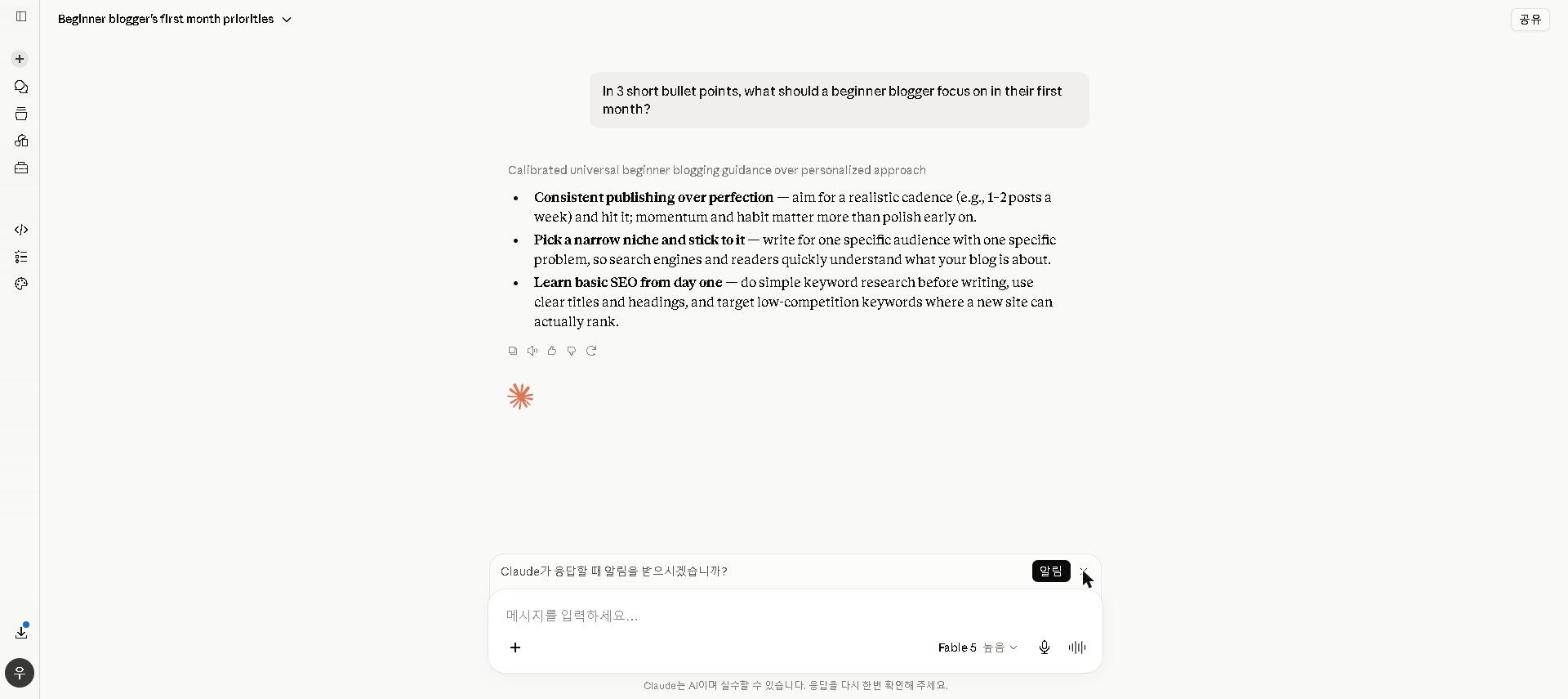
The problem it solves: Some documents matter more than others. Performance reviews, strategic recommendations, board updates — these need to be clear, well-structured, and genuinely well-written. ChatGPT is my daily driver, but when the stakes are higher, I switch to Claude.
Why Claude for high-stakes documents: The writing quality is noticeably higher for longer, more nuanced pieces. Where ChatGPT sometimes produces competent but generic output, Claude maintains a more natural, thoughtful tone across the full length of a document. For a 1,500-word strategic recommendation, that difference matters.
For a full breakdown, check out our Claude AI Review 2026.
Pricing: Free / $20 per month (Pro)
A Weekly AI Workflow for Managers
Here’s how the tools fit into a typical week:
Monday morning: ChatGPT drafts the week’s priorities and the team update.
1:1s and OKR check-ins: Fellow.app keeps agendas and action items in one place across the team, so nothing agreed three weeks ago gets lost in scattered notes.
Strategic documents: Claude for the first draft, then your own editing.
The time saved goes into the work AI can’t do — the conversations, decisions and thinking that actually require a manager.
Common Mistakes
Motion — we have not used Motion or Reclaim AI ourselves. The consistent split in verified reviews is that Motion’s fully automated scheduling suits people with predictable days and frustrates those whose priorities shift hour to hour, which describes most management work. Reclaim AI is the alternative that second group names most often.
Paying for dedicated AI email tools — for most managers, ChatGPT with a good prompt covers email drafting well enough that a separate subscription adds little.
Over-relying on AI for team communication — messages to your own team can start to feel impersonal. Use AI for structure and first drafts, then rewrite anything relationship-sensitive in your own voice.
Who This Is NOT For
Skip this toolkit if you:
- Manage only 1–2 people with simple, predictable workflows — free plans of ChatGPT and Fellow.app cover light management needs
- Work in an organization that prohibits external AI tools — verify your company’s policy before adopting any of these
- Are looking for AI to replace management judgment — it can’t, and trying to make it do so produces worse outcomes than not using it at all
Best AI Tools for Managers by Use Case
- Best for writing and communication: ChatGPT
- Best for performance reviews and OKRs: Lattice
- Best for 1:1s and OKR tracking: Fellow.app
- Best for calendar management: Reclaim AI
- Best for high-stakes documents: Claude
- Best free manager toolkit: ChatGPT + Fellow.app
Final Thoughts
The tools on this list don’t change how you manage. They change how much time you spend on the parts of management that don’t require your judgment — leaving more capacity for the parts that do.
That’s the right way to think about AI tools as a manager. Not as a replacement for the work, but as a way to spend more of your time on the work that actually requires you.
Start with ChatGPT on your next status update. If it saves you twenty minutes on the first try, you’ll understand immediately why the rest of this list is worth exploring.
Which AI tool has made the biggest difference in your management workflow? Share in the comments.
Last updated: September 2026
Written by Ian Sung — IT professional working in automation, scripting and workflow tooling. ChatGPT, Claude and Google Gemini are part of my daily work; every other tool covered here is assessed from a free-plan check, official documentation and verified user reviews, and each review says which applies.