The best AI tools for students on a budget in 2026 are mostly free — and genuinely capable enough that most students never need to pay for anything.
I want to be upfront about where this list comes from. I’m not currently a student, but I’ve used AI tools extensively for language learning and professional certification preparation — contexts that share most of the same challenges as academic study: learning dense material efficiently, finding credible sources quickly, writing clearly under time pressure, and staying organized across multiple subjects simultaneously.
ChatGPT and Claude are part of my daily work. Perplexity AI and Grammarly I’ve checked on their free plans; QuillBot, NotebookLM and Photomath are covered from their official documentation and verified user reviews. Each section says which applies.
The honest version of the budget question: you don’t need to spend anything. The free plans of ChatGPT, Claude, Perplexity AI, and Grammarly cover every major academic AI use case. The paid versions are worth considering only when you’ve confirmed the free plan is regularly limiting what you can do — and for most students, that day doesn’t come.
If you only care about the short answer: ChatGPT for general research and planning, Perplexity AI for sourced research, Claude for essay writing, and Grammarly for editing. All free.
Should You Use These AI Tools?
- Are you writing essays or research papers regularly? → Yes, Claude and Grammarly are essential
- Do you struggle to find credible sources quickly? → Yes, Perplexity AI solves this immediately
- Is math your biggest academic challenge? → Yes, Photomath is the fastest free solution
- Do you have a stack of readings or lecture slides you need to turn into a study guide? → Yes, NotebookLM does this in minutes, for free
- Are you worried about academic integrity? → Read our note on AI and academic integrity below
What Are the Best Free AI Tools for Students in 2026?
The best free AI tools for students in 2026 are ChatGPT, Claude, Perplexity AI, Grammarly, QuillBot, NotebookLM, and Photomath. Each covers a different part of student life — from essay writing and research to math problem solving and turning readings into study guides.
Quick Comparison Table
| Tool | Best For | Free Plan | Paid Plan |
|---|---|---|---|
| ChatGPT | Research & Q&A | ✅ Yes | $20/month |
| Claude | Writing & essays | ✅ Yes | $20/month |
| NotebookLM | Turning readings into study guides | ✅ Yes (free forever) | $4.99/month |
| Grammarly | Writing & grammar | ✅ Yes | $30/mo ($12 annual) |
| QuillBot | Paraphrasing & summarizing | ✅ Yes | $19.95/mo ($8.33 annual) |
| Perplexity AI | Research & citations | ✅ Yes | $20/month |
| Photomath | Math problem solving | ✅ Yes | $10/month |
1. ChatGPT — Best for Research and General Q&A
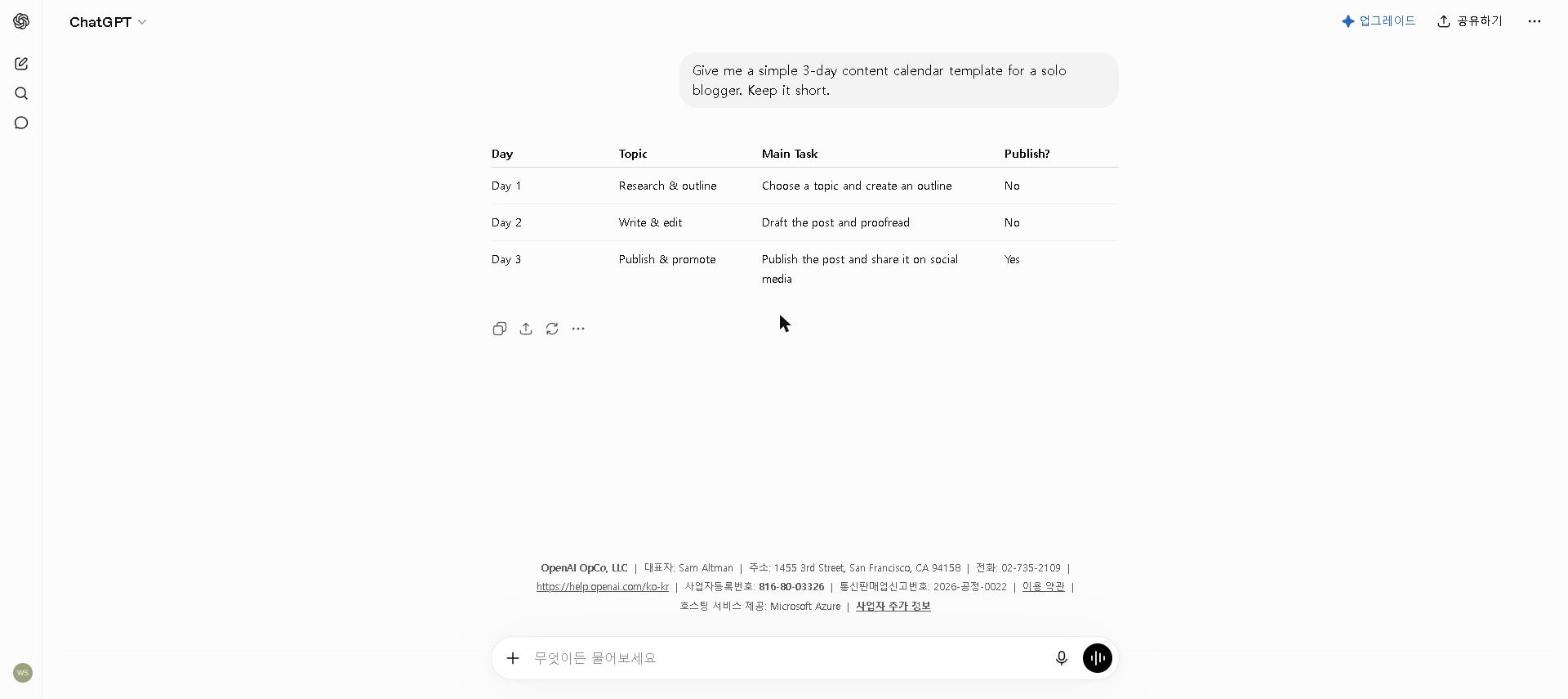
Why it’s essential: ChatGPT handles the widest range of student tasks of any tool on this list — making it the most practical starting point for anyone who hasn’t used AI tools for academic work before.
Best for: Students who need a reliable all-around AI assistant
For tips on getting the most out of ChatGPT’s free plan, check out our How to Use ChatGPT for Free in 2026 guide.
Key Features
- Explains complex topics in simple, clear language
- Helps brainstorm and outline essays and papers
- Solves math and science problems with step-by-step explanations
- Summarizes long articles and readings
- Available on web, iOS, and Android
My Take
The use case that I’ve found most consistently valuable for students is concept explanation. When a textbook explanation isn’t clicking, asking ChatGPT to explain the same concept three different ways — including a simple analogy — almost always produces one version that makes it suddenly obvious.
The one thing to be careful about: factual accuracy on specific claims. ChatGPT is excellent at explaining concepts but less reliable for specific facts, dates, and citations. For anything you’ll cite in academic work, verify through Perplexity AI or a primary source.
Pricing: Free / $20 per month (Plus)
2. Claude — Best for Essays and Long-Form Writing
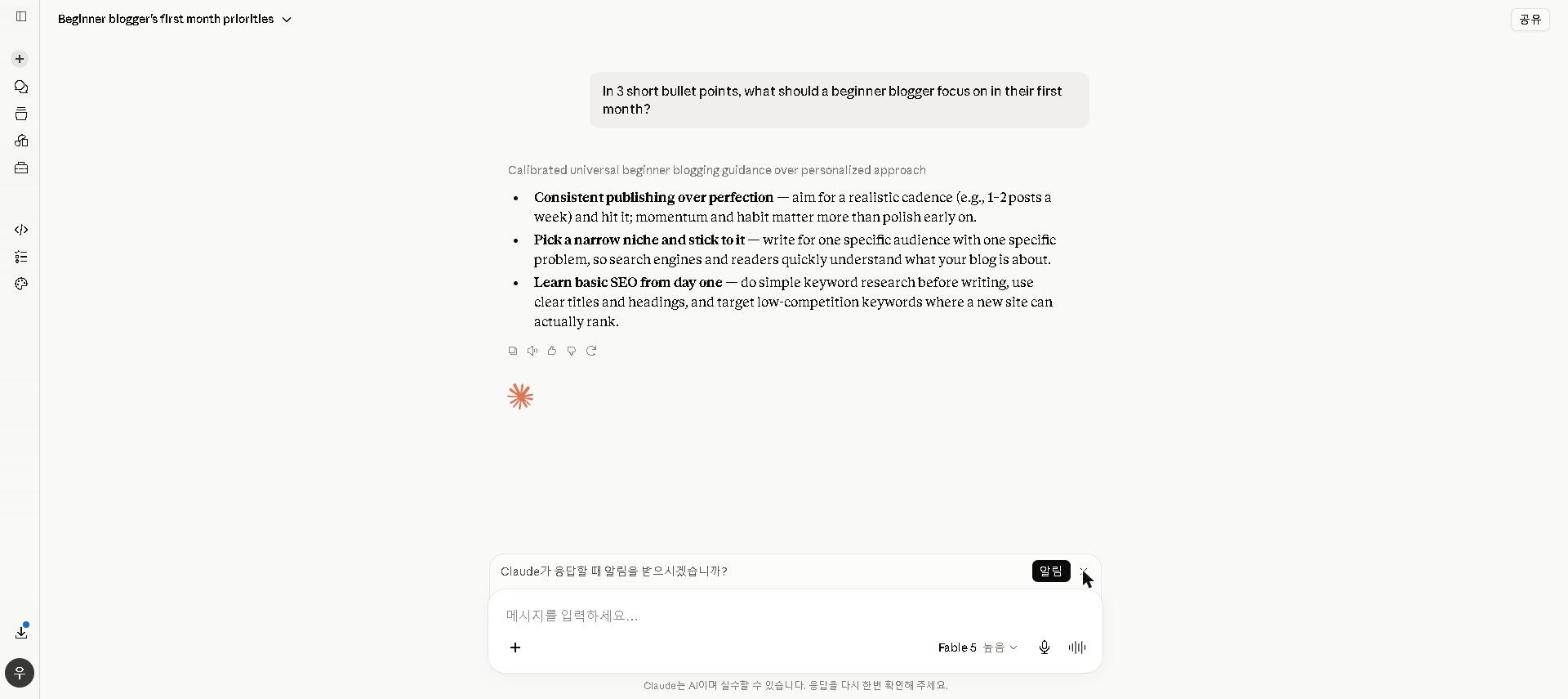
Why it’s essential: Academic writing has specific requirements — clear argumentation, consistent register, and logical structure across a long piece. Claude handles these better than the other AI tools I use.
Best for: Students who write a lot of papers and essays
For a full breakdown of Claude’s capabilities, check out our Claude AI Review 2026. For a comparison with ChatGPT, see our ChatGPT vs Claude 2026 guide.
Key Features
- Produces natural, well-structured writing with minimal editing needed
- Excellent at following detailed writing instructions
- Large context window for long documents and readings
- Strong at outlining, drafting, and refining academic writing
- Available on web, iOS, and Android
My Take
Next to ChatGPT, the consistent difference is in the structure. Claude builds arguments more logically across a long piece — the conclusion actually follows from the evidence presented in the body, rather than feeling like a separate paragraph that could have been written independently. For academic writing where the coherence of the argument is what’s being graded, that structural quality matters.
Claude is also noticeably more careful about accuracy — more likely to flag when it’s uncertain than to produce a confident wrong answer. For academic work where submitting an inaccurate claim is a real cost, that intellectual honesty is worth something.
Pricing: Free / $20 per month (Pro)
3. Perplexity AI — Best for Research and Citations
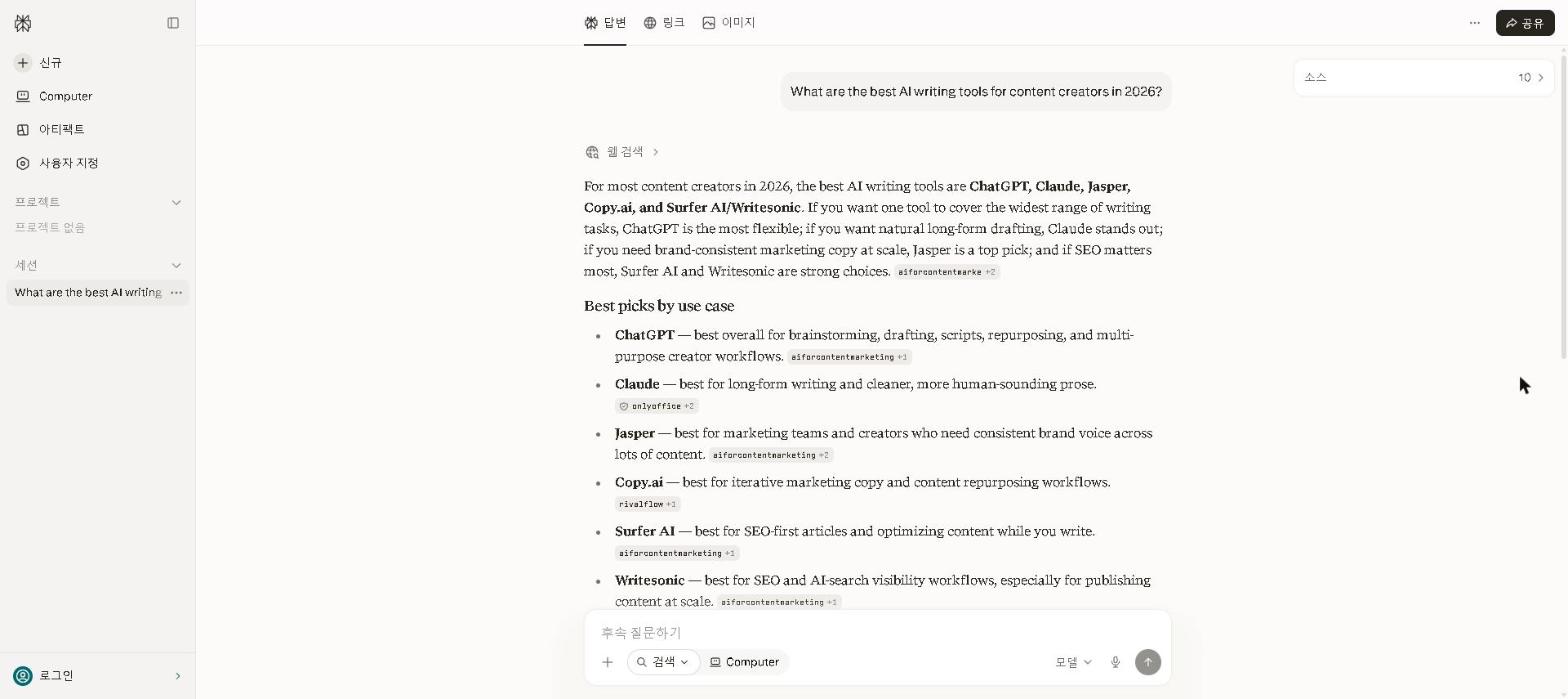
Why it’s essential: Academic research requires credible sources. Perplexity AI is the only free AI tool that consistently provides them — searching the web in real time and citing every claim.
Best for: Students who need sourced, accurate research quickly
For a full breakdown of Perplexity AI’s features, check out our Perplexity AI Review 2026.
Key Features
- Real-time web search with cited sources
- Summarizes research topics with linked references
- Academic search mode for scholarly sources
- Follow-up questions for deeper research
- Clean, distraction-free interface
My Take
We’ve only checked Perplexity on its free plan, so this leans on that check plus verified user reviews. The workflow reviewers describe most often for research-heavy assignments: use Perplexity first to get an overview and find the most relevant sources, then follow those links to read the primary material. The citations give you a starting point for the academic papers and authoritative sources you’ll actually need to cite.
One important caveat: Perplexity’s citations are a starting point for research, not a substitute for it. Always verify the source before using it in academic work — occasionally the link doesn’t support the specific claim as directly as the summary suggests.
Pricing: Free / $20 per month (Pro)
4. Grammarly — Best for Writing and Grammar
Why it’s essential: Errors in academic writing cost marks. Grammarly catches the errors that are invisible when you’re close to the text — which is almost always when you’re doing a final review before submission.
Best for: Students who want to improve the quality and correctness of their writing
For a full breakdown of Grammarly’s features, check out our Grammarly Review 2026.
Key Features
- Real-time grammar, spelling, and punctuation corrections
- Clarity and readability suggestions
- Tone detection and adjustment
- Plagiarism checker (Premium)
- Works in browser, Google Docs, and Microsoft Word
My Take
The value students report from Grammarly is in catching the errors that survive multiple manual read-throughs. The ones it catches most reliably are the subtle ones — wrong word choices that are technically valid but not what you meant, sentence structures that are grammatically correct but harder to read than they need to be. For non-native English writers in particular, verified user reviews consistently rate its suggestions above autocorrect or built-in grammar checkers. We checked it on the free plan rather than using it as a daily tool, so this reflects those reviews plus Grammarly’s own documentation.
For academic writing specifically, the tone detection feature is worth enabling — it helps ensure the register stays appropriately formal throughout, which is something that can drift in long papers without being obvious until after submission.
Pricing: Free / $30 per month ($12 on annual billing) — the plan is now called Pro
5. QuillBot — Best for Paraphrasing and Summarizing
Why it’s essential: Paraphrasing sources and summarizing long readings are two tasks every student does constantly — and QuillBot does both faster than writing from scratch while retaining the meaning.
Best for: Students who need to paraphrase sources or summarize long readings
Key Features
- AI paraphrasing with multiple style modes
- Summarizer for long articles and documents
- Grammar checker built in
- Integrates with Google Docs and Microsoft Word
- Chrome extension for in-browser use
My Take
QuillBot’s paraphrasing feature is most useful when you understand what the source is saying but need to express it in different words for your paper. The output is a starting point — it almost always needs editing to match your own voice and the specific argument you’re making — but it’s a faster starting point than writing from scratch. The free plan limits paraphrasing to 125 words at a time, which is enough for most individual source passages but occasionally frustrating for longer sections.
Pricing: Free / $19.95 per month ($8.33 on annual billing)
6. NotebookLM — Best Free Tool for Turning Readings Into Study Material
Why it’s essential: Budget matters more here than almost anywhere else on this list — NotebookLM is Google’s genuinely, permanently free research tool. No trial window, no forced upgrade, no credit card, ever.
Best for: Turning your own readings, lecture slides, and notes into summaries, quizzes, and study guides
You upload your actual course material — PDFs, lecture slides, your own notes — and NotebookLM answers questions strictly from those sources, with citations back to the exact page. That’s a meaningfully different approach from a general web-search tool: it can’t wander off into unrelated information, because it only knows what you gave it.
Key Features
- Upload up to 50 sources per notebook (PDFs, slides, docs, links)
- Auto-generates flashcards, quizzes, and study guides from your sources
- Answers questions with citations back to the exact source page
- Audio Overview turns your notes into a podcast-style summary you can listen to
- Permanently free — no trial period, no credit card
My Take
An honest note: NotebookLM replaced Notion AI’s slot in this list specifically for its budget-friendly, source-grounded approach, and this section is based on NotebookLM’s official documentation and features rather than our own exam prep. The core value, per Google’s own documentation and independent reviews, is that uploading your actual readings and lecture slides means the generated quiz or study guide reflects what your specific professor covered — not a generic summary of the topic pulled from general web knowledge. The Audio Overview feature (a podcast-style summary of your uploaded material) is also frequently highlighted in reviews as useful for passive review while commuting or exercising.
The honest caveat: it’s only as good as what you upload. If your notes from a lecture are thin, the study guide generated from them will be thin too — this tool organizes and quizzes on your existing material, it doesn’t replace taking good notes in the first place.
Pricing: Free (permanently, no card required) / $4.99 per month (Plus, via Google AI Plus, for higher usage limits)
7. Photomath — Best for Math Problem Solving
Why it’s essential: For STEM students, getting stuck on a math problem for 45 minutes is one of the most common study time sinks — and Photomath provides step-by-step explanations that teach the method, not just the answer.
Best for: Students struggling with math who need step-by-step explanations
Key Features
- Camera scanning for handwritten and printed math problems
- Step-by-step solution breakdowns
- Multiple solving methods shown side by side
- Covers arithmetic, algebra, calculus, and more
- Available on iOS and Android
My Take
The thing that makes Photomath more useful for learning than just getting an answer is the step-by-step breakdown — seeing exactly where your approach diverged from the correct method. That diagnostic value, which reviewers highlight most, is what distinguishes a learning tool from a homework-answer machine. We haven’t used Photomath ourselves; this is based on its documentation and verified user reviews.
Pricing: Free / From $10 per month (Plus)
A Note on AI and Academic Integrity
AI detection tools have become significantly more sophisticated, and most universities have clear policies on AI use. The students who get the most value from these tools are the ones who use them to understand material better and work more efficiently — not to skip the thinking entirely.
Using AI to understand difficult concepts, catch your own errors, and improve your drafts is legitimate academic assistance. Submitting AI-generated text as your own work without meaningful editing or understanding is not — regardless of what your institution’s policy explicitly says.
For more on using AI responsibly for academic writing, see our How to Use AI to Write Better Essays in 2026 guide.
Who This Is NOT For
Skip AI tools if you:
- Are in your first week of a new course and haven’t developed your own academic voice yet — build that foundation first
- Attend an institution that prohibits AI tool use entirely — always check your institution’s policy
- Want to submit AI-generated work verbatim — this crosses into academic dishonesty
- Only have occasional assignments — free plans cover low-volume needs easily
Best Free AI Tools for Students by Subject
- Best for essay writing: Claude
- Best for research and sources: Perplexity AI
- Best for grammar and proofreading: Grammarly
- Best for math: Photomath
- Best for turning readings into study guides: NotebookLM
- Best for paraphrasing: QuillBot
- Best all-around free AI tool for students: ChatGPT
Final Thoughts
The best free AI tools for students on a budget in 2026 are more capable than most students realize — and the gap between free and paid is smaller than the marketing suggests. Start with ChatGPT and Grammarly on their free plans. Add Perplexity AI for research and Claude for writing-heavy subjects. That combination covers every major academic challenge without spending a dollar.
What AI tool has made the biggest difference in your academic work? Share in the comments — I’m especially curious whether students have found ways to use these tools that are more effective than what I’ve described here.
Last updated: September 2026
Written by Ian Sung — IT professional working in automation, scripting and workflow tooling. ChatGPT, Claude and Google Gemini are part of my daily work; every other tool covered here is assessed from a free-plan check, official documentation and verified user reviews, and each review says which applies.
Pingback: How to Use AI to Write Better Essays in 2026 | AI Tool Spot
Pingback: Perplexity AI Review 2026: Is It Worth It? | AI Tool Spot