Social media has become one of the most time-consuming parts of running a business, blog, or personal brand in 2026. Creating content, writing captions, scheduling posts, and analyzing performance can easily consume hours every week — time that AI tools can now handle in minutes.
TL;DR: AI tools can cut your social media content creation time significantly in 2026. The best free combination is ChatGPT for captions and Canva AI for visuals — together they cover most social media needs at no cost.
If you’re managing social media and feel like it’s eating your time, the answer is simple: you’re not using AI yet. Here’s how to change that.
A note on how this was written: ChatGPT and Claude are part of my daily work, and Canva AI I’ve checked on a free plan. Buffer and Lately AI are covered from their official documentation and verified user reviews.
Why Use AI for Social Media in 2026?
Social media success in 2026 requires consistency — and consistency requires volume. AI tools make it possible to maintain that volume without burning out.
Content creation: AI can generate captions, hashtags, and post ideas in seconds.
Visual design: AI can create graphics, resize images, and generate visuals for every platform.
Scheduling: AI-powered schedulers can find optimal posting times and automate distribution.
Analytics: AI can analyze performance data and suggest improvements.
Engagement: AI can draft responses to comments and messages faster than typing from scratch.
Best AI Tools for Social Media in 2026
Quick Comparison Table
| Tool | Best For | Free Plan | Starting Price |
|---|---|---|---|
| ChatGPT | Captions & content ideas | ✅ Yes | $20/month |
| Canva AI | Social media graphics | ✅ Yes | $18/mo ($15 annual) |
| Claude | Long-form social content | ✅ Yes | $20/month |
| Buffer | Scheduling & analytics | ✅ Yes | $6/month |
| Lately AI | Content repurposing | ❌ No | $49/month |
Bottom line: ChatGPT + Canva AI covers most social media needs for free. Add Buffer for scheduling and you have a complete free social media AI stack.
Should You Use AI for Social Media?
- Do you struggle to post consistently? → Yes, use AI
- Do you spend more than 2 hours per week on social media content? → Yes, use AI
- Do you run multiple social media accounts? → Yes, use AI
- Do you only post occasionally with no growth goals? → Optional
👉 If social media feels like a time drain, start with ChatGPT’s free plan today — your first AI-generated caption will take under 2 minutes.
Step 1: Use AI to Generate Content Ideas
The hardest part of social media isn’t writing the posts — it’s knowing what to write about. AI eliminates this problem entirely.
Use ChatGPT for Content Ideas
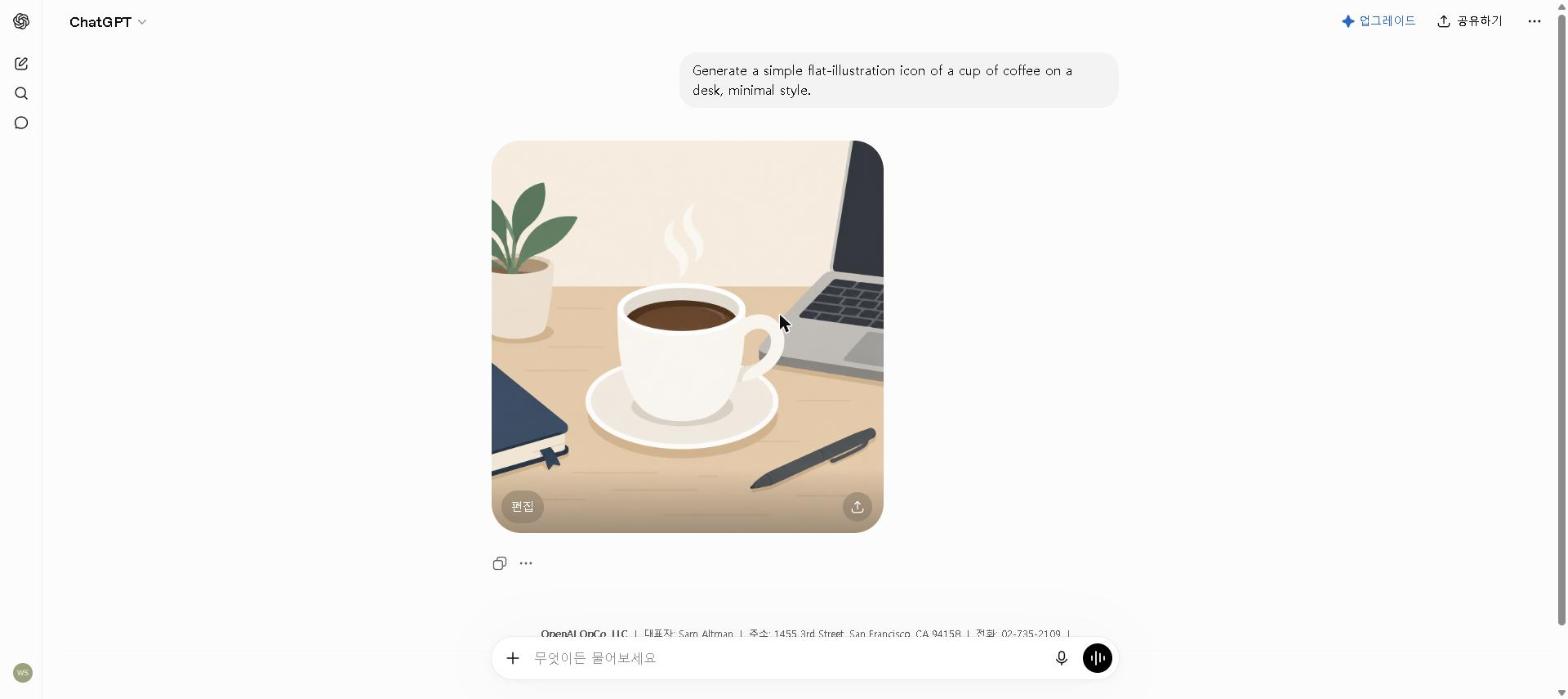
Example prompt:
I run a blog about AI tools. Generate 20 social media post ideas for the next month — covering tips, tool recommendations, comparisons, and engagement questions. Format as a content calendar with one idea per day.
ChatGPT can realistically generate a full month of social media content ideas for multiple platforms in a single short session — the kind of output that would normally take a dedicated planning meeting to produce manually.
Use Claude for Deeper Content Angles
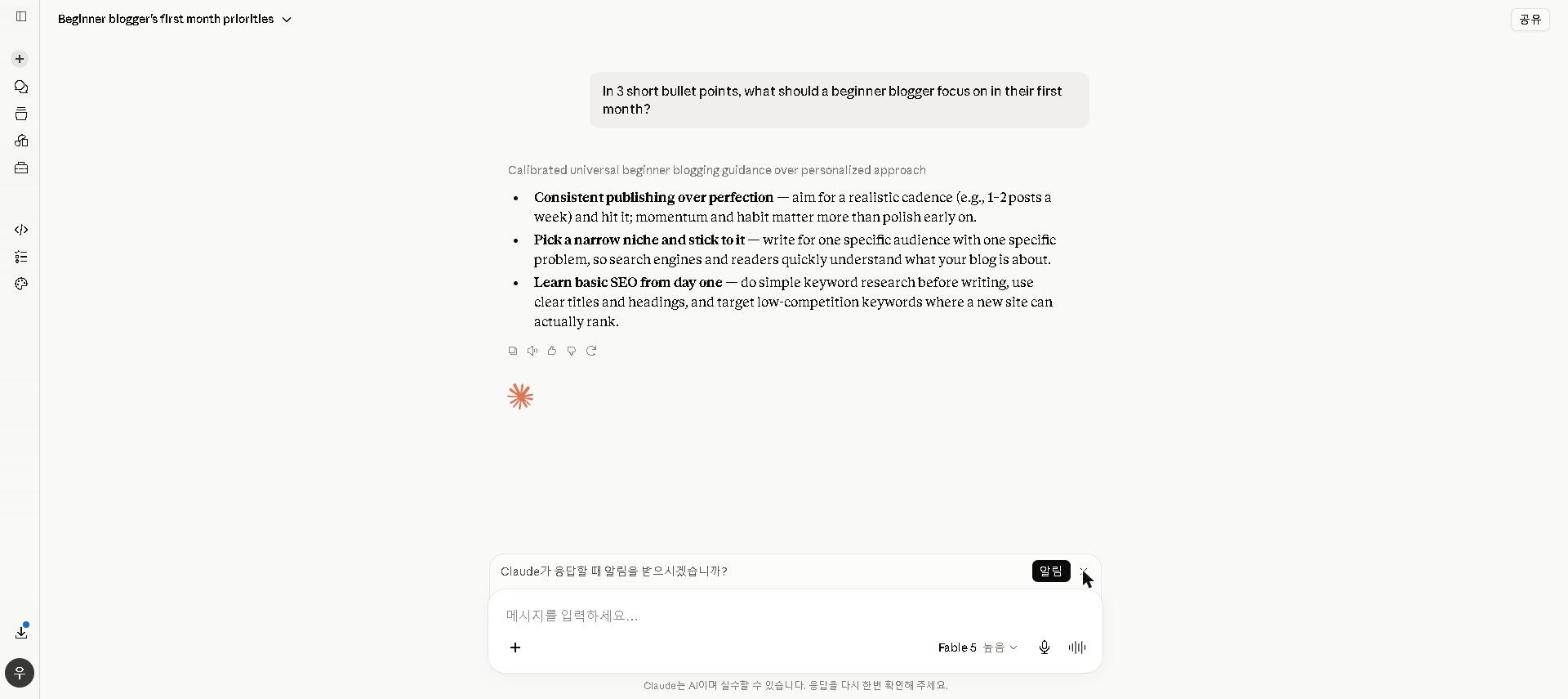
For more nuanced content angles — thought leadership posts, detailed tips, or educational threads — Claude produces more insightful ideas than ChatGPT. For a full comparison of both tools, see our ChatGPT vs Claude: Which AI Should You Use in 2026? guide.
Step 2: Use AI to Write Captions
Once you have your content ideas, use AI to write the actual captions — tailored to each platform’s style and character limits.
Platform-Specific Prompts
For Instagram:
Write an engaging Instagram caption about the top 3 benefits of using AI tools for productivity. Include 5 relevant hashtags, a question to encourage comments, and keep it under 150 words. Use a friendly, conversational tone.
For LinkedIn:
Write a professional LinkedIn post about how AI tools are changing the way freelancers work in 2026. Include a personal insight, a key takeaway, and end with a question to drive engagement. Around 200 words, no hashtags.
For Twitter/X:
Write 5 tweet variations about the best free AI tools available in 2026. Each should be under 280 characters, include one relevant emoji, and have a clear hook in the first line.
Our Take
Generating a batch of captions this way — 10 Instagram posts, 5 LinkedIn updates, 10 tweets from a single content idea list — is realistically a 20-to-30-minute session with ChatGPT, versus the 3-4 hours the same volume of writing and editing would take manually.
👉 Start using ChatGPT for social media captions today — write your next week’s captions in a single 20-minute session.
Step 3: Use AI to Create Social Media Graphics
Great captions need great visuals — and Canva AI makes professional social media graphics accessible to anyone, regardless of design skills.
Use Canva AI for Visual Content
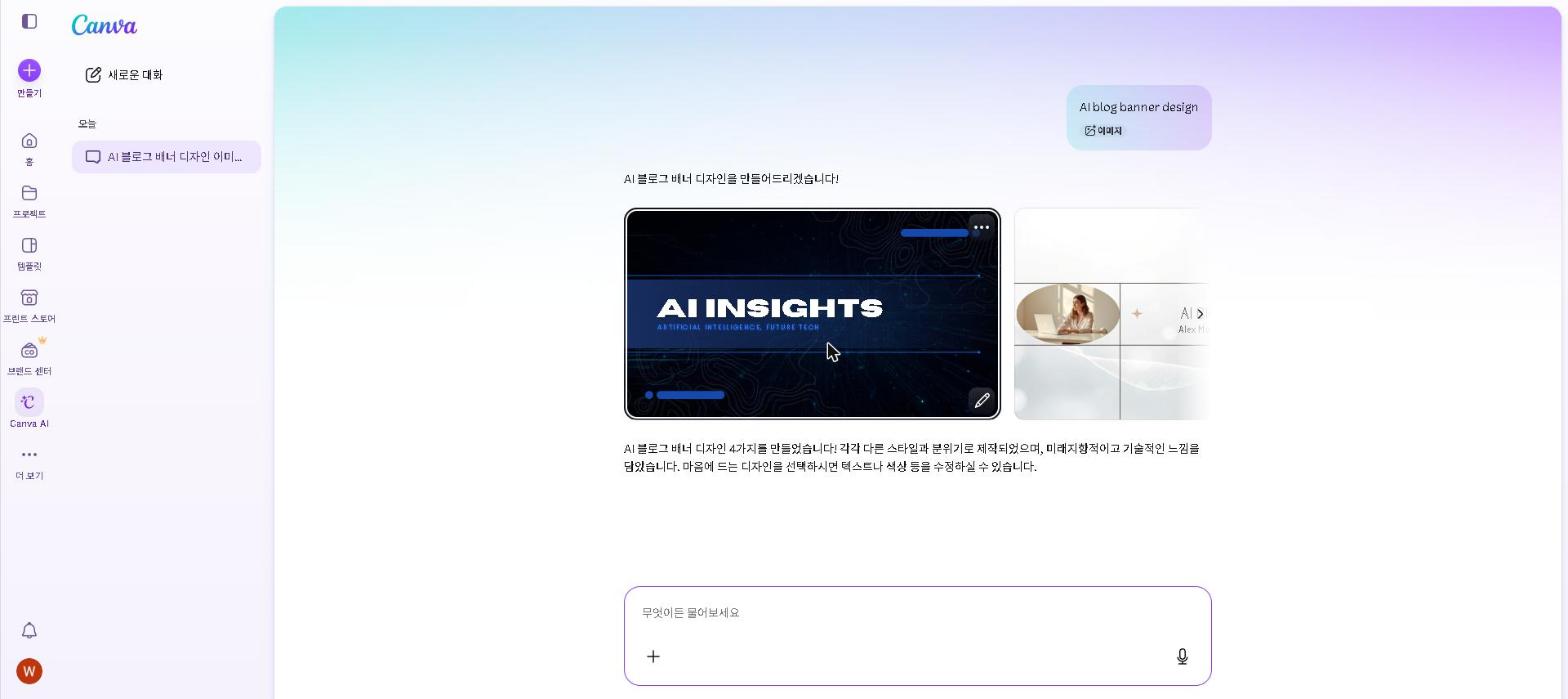
Best workflow for social media graphics:
- Open Canva and select your platform format (Instagram post, LinkedIn banner, etc.)
- Choose a template that matches your brand aesthetic
- Use Magic Media to generate a custom AI image if needed
- Use Magic Write to add or refine text elements
- Apply your brand colors and fonts using Brand Kit (Pro)
- Download and post
This workflow — template, Magic Media image, Magic Write text — is designed to produce a professional-looking Instagram post in a few minutes including AI image generation. For content creators posting daily, that efficiency compounds into hours saved every week.
For a full look at Canva AI’s features, check out our Canva AI Review 2026.
Step 4: Use AI to Repurpose Content
One of the highest-leverage uses of AI for social media is repurposing existing content — turning a blog post into 10 social media posts, or a podcast episode into a week of content.
Use ChatGPT to Repurpose Blog Posts
Example prompt:
I’ve written a 1,500-word blog post about the best AI writing tools in 2026. Repurpose it into:
– 5 Instagram captions (one per tool reviewed)
– 3 LinkedIn posts (key insights)
– 10 tweets (tips and stats)
– 1 email newsletter summary (under 200 words)
This kind of repurposing prompt can realistically turn a single blog post into a full week of multi-platform social media content in one sitting — content that would take a full day to write manually piece by piece.
Step 5: Use AI to Schedule and Optimize
Creating content is only half the battle — posting at the right time matters significantly for reach and engagement.
Use Buffer for AI-Powered Scheduling
Buffer’s free plan allows you to schedule up to 10 posts per channel and provides basic analytics on post performance. Its AI features suggest optimal posting times based on your audience’s activity patterns.
Best workflow:
- Create a week’s worth of content using ChatGPT and Canva AI
- Upload to Buffer and schedule across all platforms
- Review analytics weekly to identify what’s performing best
- Feed performance data back into ChatGPT to refine future content
Building Your Free AI Social Media Stack
The most efficient social media AI setup doesn’t require spending anything:
Free AI Social Media Toolkit:
- ChatGPT (free) — content ideas, captions, repurposing
- Claude (free) — thought leadership posts, detailed content
- Canva AI (free) — social media graphics and visuals
- Buffer (free) — scheduling up to 10 posts per channel
Together, this free stack can handle the full social media content workflow — from ideation to scheduling — for most individual creators and small businesses.
Best AI Social Media Tips for 2026
Batch Create Content Weekly
Instead of creating social media content daily, dedicate one session per week to creating everything at once using AI. A 2-hour weekly session with ChatGPT and Canva AI can produce enough content for 14+ posts across multiple platforms.
Build a Prompt Library
Save your best ChatGPT prompts for recurring content types — weekly tips, product mentions, engagement questions. Reusing effective prompts with minor variations saves significant time compared to starting from scratch each time.
Use AI to Analyze What’s Working
Feed your best-performing post captions into ChatGPT and ask it to identify patterns — tone, length, topics, hooks — then use those insights to brief future content.
Always Add Your Own Voice
AI-generated captions are starting points, not final products. Always add a personal touch — a specific example, a genuine opinion, or a detail that only you could know. The best social media content combines AI efficiency with human authenticity.
Who This Is NOT For
Skip AI social media tools if you:
- Only post occasionally with no consistency or growth goals
- Work in a highly regulated industry with strict content approval processes
- Prefer a fully authentic, manually crafted social media presence
- Are just getting started on social media and haven’t found your voice yet — develop your authentic style first, then use AI to scale it
Are AI Social Media Tools Worth It in 2026?
For anyone managing social media as part of a business, blog, or personal brand, the answer is a clear yes.
The time savings are substantial. Batching ideas, captions and graphics with the workflow above takes a fraction of the time of writing and designing each post by hand — and that time goes back into higher-value work.
The consistency improvement is significant. The biggest predictor of social media growth is consistent posting — and AI makes consistency dramatically easier by reducing the friction of content creation.
The free tools cover most needs. ChatGPT, Claude, Canva AI, and Buffer together cover the full social media workflow at no cost. Most individual creators and small businesses never need to pay for a specialized social media AI tool.
Final Thoughts
AI has fundamentally changed what’s possible in social media management in 2026. Whether you’re a blogger, freelancer, small business owner, or content creator, the tools in this guide can help you create more content in less time — without sacrificing quality or authenticity.
Start with ChatGPT for captions and Canva AI for visuals — both free, both immediately useful. Add Buffer for scheduling, and you have a complete AI social media stack that costs nothing.
Have you used AI for social media? Share your experience in the comments below!
Last updated: September 2026
Written by Ian Sung — IT professional working in automation, scripting and workflow tooling. ChatGPT, Claude and Google Gemini are part of my daily work; every other tool covered here is assessed from a free-plan check, official documentation and verified user reviews, and each review says which applies.
Pingback: Best AI Tools for Content Creators in 2026 (Tested & Reviewed) | AI Tool Spot