TL;DR: A practical daily workflow built on three free AI tools — ChatGPT for planning, email and repurposing, Claude for long-form drafts, and Gemini for work inside Google Docs and Gmail. This guide walks through each step, the prompts that make it work, and which tools are worth skipping.
This is a practical guide to building AI tools into an ordinary working day — step by step, with the prompts that make each step work.
If you’ve read enough “best AI tools” articles, you know how they usually go: a list of tools, some feature comparisons, a pricing table. Useful — but not the same as seeing how the tools fit together across a real workday.
A note on how this was written: the tools that make up this workflow — ChatGPT, Claude and Google Gemini — are ones we use daily, and the screenshots come from our own accounts. Any other tool mentioned in this post is there as a pointer, not as part of our routine: those mentions rest on the vendor’s documentation and verified user reviews, and the linked reviews say so individually.
The Workflow: The Quick Version
If you only want the summary:
- Morning planning: ChatGPT
- Writing drafts: Claude
- Email, communication and repurposing: ChatGPT
Anything inside Google Docs and Gmail: Gemini
Why Build an AI Workflow at All
Most knowledge work loses hours to tasks that feel important but produce little — long email threads, research rabbit holes, and blank documents waiting for a first sentence.
The obvious benefit of AI tools is time. The less obvious one is mental energy: spending less of the day on low-value tasks leaves more focus for the work that actually needs creative thinking.
The workflow below deliberately uses as few tools as possible. Every extra tool adds setup and habit overhead, so each step uses the one tool that fits it best.
Step 1 — Morning Planning with ChatGPT
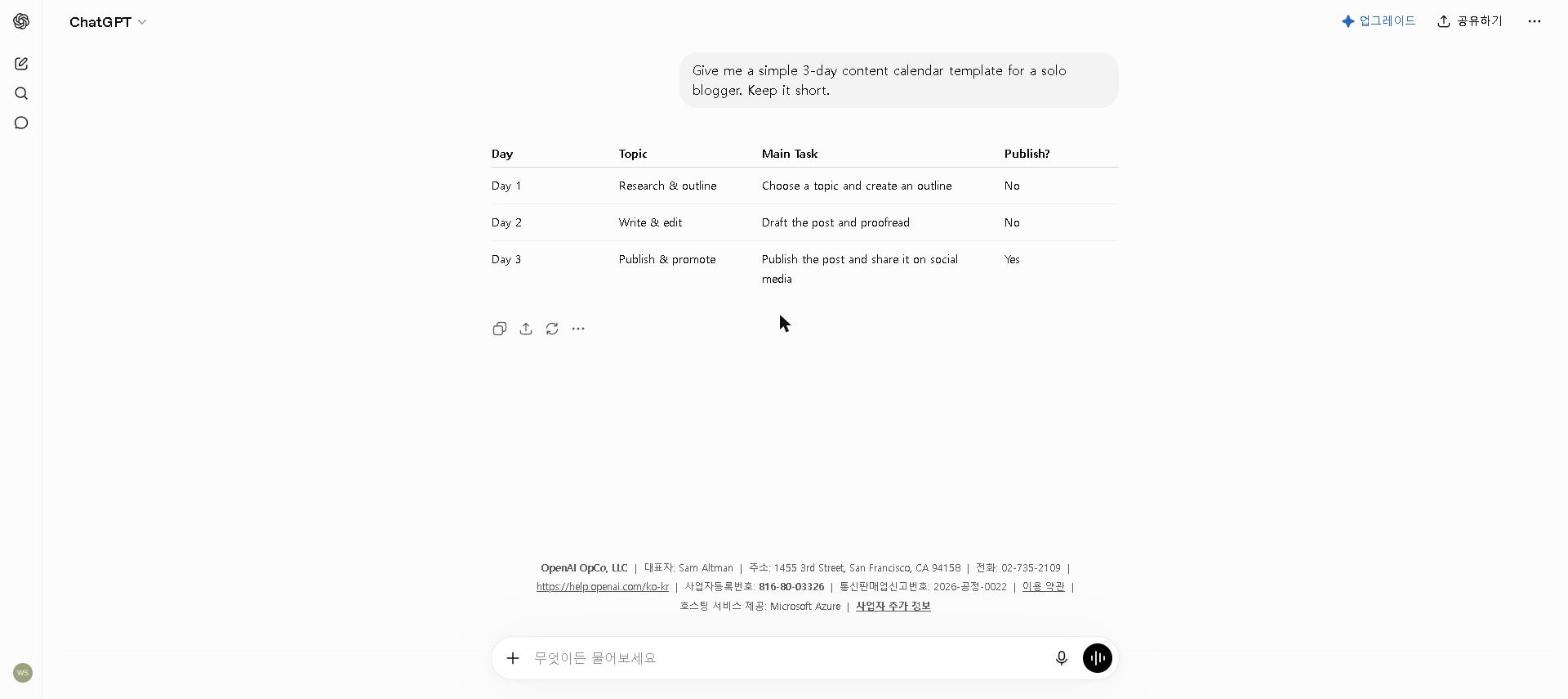
Start the day with a short planning session in ChatGPT. Instead of half an hour of scattered list-making, you get a structured plan to react to.
A prompt that works:
Here are my tasks for today: [list].
Here are my deadlines this week: [list].
I have 6 focused hours available.
Create a realistic hourly schedule,
prioritize by deadline and importance,
and flag anything that looks unrealistic.
What comes back is a structured daily plan — not a perfect one, but usually better than a plan made in a rush first thing in the morning.
Notion AI’s structured pages are a better fit for organizing existing information than for a dynamic back-and-forth planning conversation — which is why a conversational tool like ChatGPT tends to work better for this specific step. See our Notion AI Review 2026 for what it’s genuinely strong at.
Step 2 — Writing with Claude
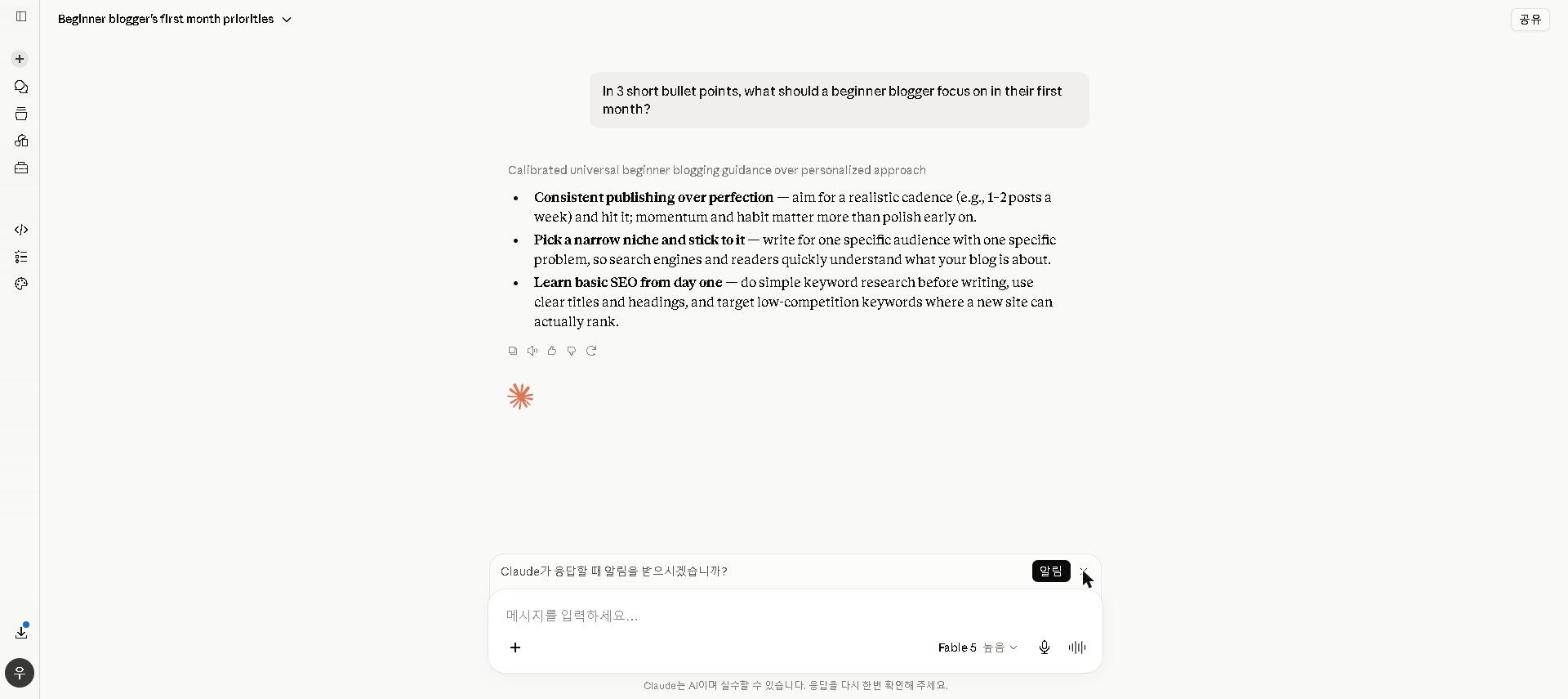
This is where the time savings are largest — and where the choice of tool matters most.
A writing workflow with Claude:
- Drop your research notes and outline into Claude
- Ask for a first draft with specific tone and structure instructions
- Read through the draft and mark sections to keep, cut, or rewrite
- Ask Claude to revise the marked sections
- Do a final pass in your own voice
The gain comes from editing and improving a draft rather than generating every sentence from scratch — which is also why quality tends to go up rather than down.
I use Claude specifically for this rather than ChatGPT because the writing quality is noticeably higher for long-form content. Claude maintains consistent tone across a long piece in a way that ChatGPT occasionally doesn’t. The difference is subtle on short pieces, significant on anything over 1,000 words.
Jasper AI’s brand voice features are built for marketing teams, and for a solo writing workflow, that structure adds complexity without a quality improvement over Claude’s free plan large enough to justify the $69/month cost. Check out our Claude AI Review 2026 for a full breakdown.
Step 3 — Email and Communication with ChatGPT
Important emails are easy to over-invest in — drafting, second-guessing the tone, rewriting. A short loop with ChatGPT cuts that down.
The email loop:
- Describe the email to ChatGPT in plain language
- Get a draft back in under 30 seconds
- Edit for personal voice
- Send
The step worth not skipping is the read-back before sending: asking ChatGPT how the draft is likely to land, rather than only whether it is clear. A dedicated tone checker such as Grammarly covers the same ground and is what most people reach for here — we have not made it part of our own daily routine, but our Grammarly Review 2026 covers what it does.
Why ChatGPT rather than Claude here: Claude’s email drafts can be slightly more nuanced, but for short-form communication ChatGPT is faster — and for routine emails, speed matters more than subtle quality differences.
Step 4 — Content Repurposing with ChatGPT
At the end of the day, take whatever you’ve written or researched and ask ChatGPT to repurpose it.
A single blog post becomes:
- 5 social media captions (different angles for different platforms)
- 3 email newsletter bullet points
- 2 LinkedIn post drafts
- 10 tweet variations
Written separately, that’s hours of creative work; as a repurposing prompt it becomes a short editing session. For a detailed guide on this workflow, check out our How to Use AI for Social Media in 2026 guide.
Tools I Looked At and Skipped
Writesonic: Reviewers rate it for SEO-focused blog drafts but consistently describe the output as needing heavy editing. I have not subscribed to it — Claude already covers first drafts for my use case, so it never got past the shortlist.
Motion: The automatic scheduling looks impressive on paper, but the lack of a free plan and the learning curve reviewers describe made it hard to justify trying. I have not used it; I may revisit it now that my workflow is more established.
Copy.ai: Reviewers rate it for short-form marketing copy, but it reads as too limited for the longer content I produce most often — I did not take it past the shortlist.
The Toolkit
The daily toolkit for this workflow:
✅ ChatGPT (free) — planning, emails, repurposing
✅ Claude (free) — long-form writing and drafting
✅ Google Gemini (free) — anything already inside Docs and Gmail
Total monthly cost: $0.
The free plans of these three tools cover everything in this daily workflow. Upgrading Claude to Pro for higher limits is the one change worth considering as output volume increases, but the free plans have been sufficient for daily use so far.
Lessons Worth Knowing Before You Start
Start with one tool, not four. The most common mistake is trying to adopt everything at once. Add one tool, let it become a habit, then add the next.
The time savings compound. The first week is slow; the gains grow as you learn to prompt effectively, which tool suits which task, and how to fit AI into existing workflows rather than building new ones around it.
AI works best as a collaborator, not a replacement. The biggest quality gains come from using it to accelerate the tedious parts — research, first drafts, email formatting — while keeping your own judgment and voice in the parts that matter most.
The free plans are genuinely enough to start. The free tiers of ChatGPT, Claude and Gemini together cover a complete daily AI workflow for most knowledge workers.
Who This Workflow Is NOT For
Skip this if you:
- Are just starting out with AI tools — start with one tool (ChatGPT) and build from there
- Work in an industry with strict policies around AI tool usage — check your organization’s guidelines first
- Prefer a fully manual creative process — AI tools work best when you want to accelerate output, not replace creative judgment
- Only produce content occasionally — the workflow pays off most for people producing content daily or near-daily
Final Thoughts
The point of a workflow like this isn’t just time saved — it’s a shift in how the workday feels. Less time on mechanical tasks means more energy for the work that actually requires thinking.
If you’re building your own AI workflow in 2026, start simple: ChatGPT for planning and emails, Claude for any writing over 500 words, and Gemini if you work in Google Docs and Gmail. Run that combination for two weeks before adding anything else.
What does your AI workflow look like? Share your experience in the comments below!
Last updated: September 2026
Written by Ian Sung — IT professional working in automation, scripting and workflow tooling. ChatGPT, Claude and Google Gemini are part of my daily work; every other tool covered here is assessed from a free-plan check, official documentation and verified user reviews, and each review says which applies.