This is a two-step AI workflow for writing blog posts: build the outline in ChatGPT, then write the draft section by section in Claude. Here’s how each step works and the prompts that make it reliable.
The problem it solves is familiar to anyone who publishes regularly: without a system, every post starts from a blank document and a vague idea, and both the time it takes and the quality it reaches vary wildly from week to week.
Here’s exactly how it works, tool by tool and step by step.
A note on how this was written: ChatGPT, Claude and Google Gemini are part of my daily work. Research and proofreading tools such as Perplexity AI and Grammarly are covered in their own reviews on this site rather than as part of this workflow.
The Tools
Before getting into the steps, here’s what each tool is for:
- ChatGPT (free) — outlines and structure
- Claude (free/Pro) — first draft writing
- Google Gemini (free) — checking facts and drafting inside Docs
Total monthly cost for this workflow: $0 on free plans, $20/month if you upgrade Claude Pro on heavy writing weeks. Research and final proofing are deliberately left out of this list — the tools most people use for those steps, such as Perplexity AI and Grammarly, are covered in their own reviews on this site rather than presented here as part of a routine we run daily.
Step 1: Build the Outline (ChatGPT)
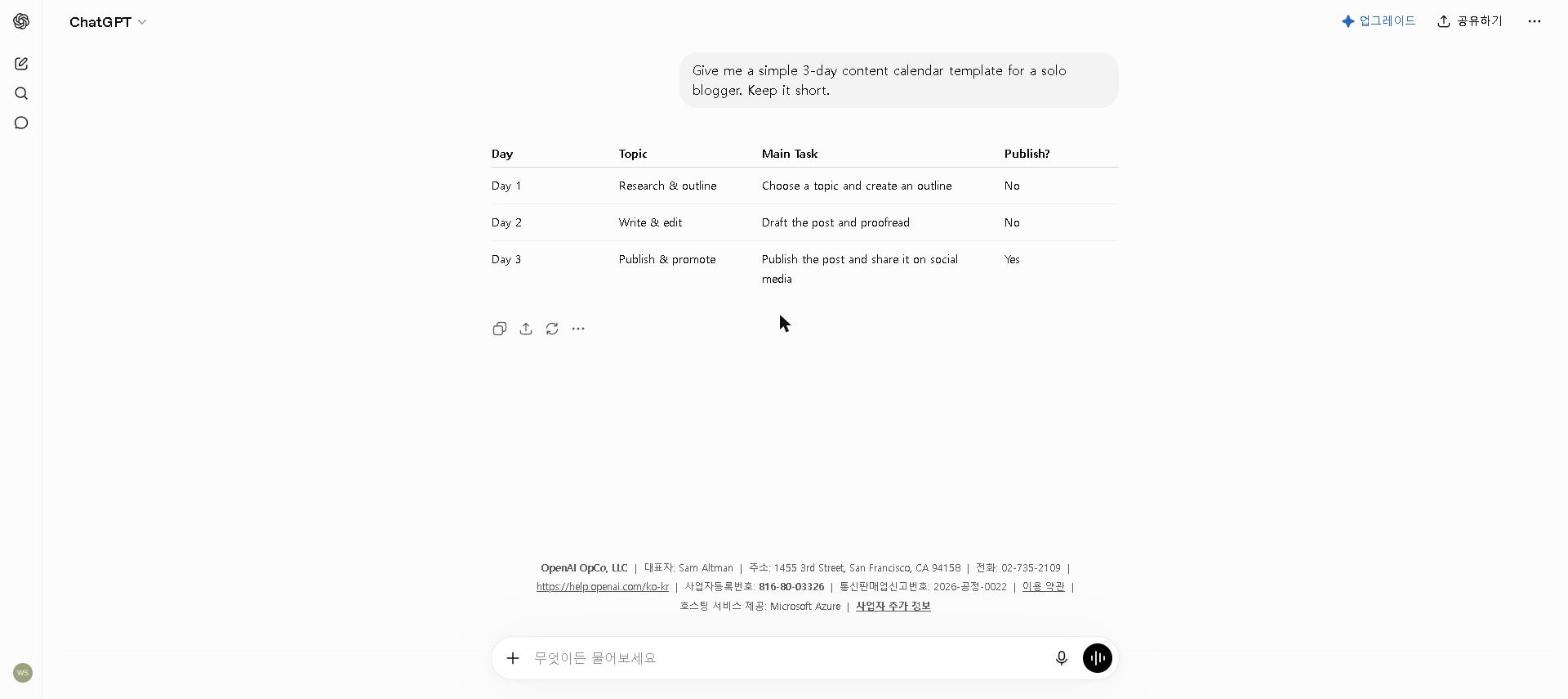
Once your research notes are ready, switch to ChatGPT to build the post structure.
Don’t ask ChatGPT to write anything at this stage — just to organize. Paste in your research notes and the topic, and ask for a logical H2/H3 structure that covers the topic without being exhaustive.
The prompt:
I’m writing a blog post titled “[title]” for [target audience].
Here are my research notes: [paste notes].
Create a detailed outline with H2 and H3 headings that builds a logical argument, covers the most important points, and flows naturally from introduction to conclusion. Include a note on what each section should accomplish.
The outline is the step most tempting to skip when you’re in a hurry, and skipping it is a mistake. Posts written without a solid outline take longer to edit because the structure problems are baked in from the first sentence.
Step 2: Write the First Draft (Claude)
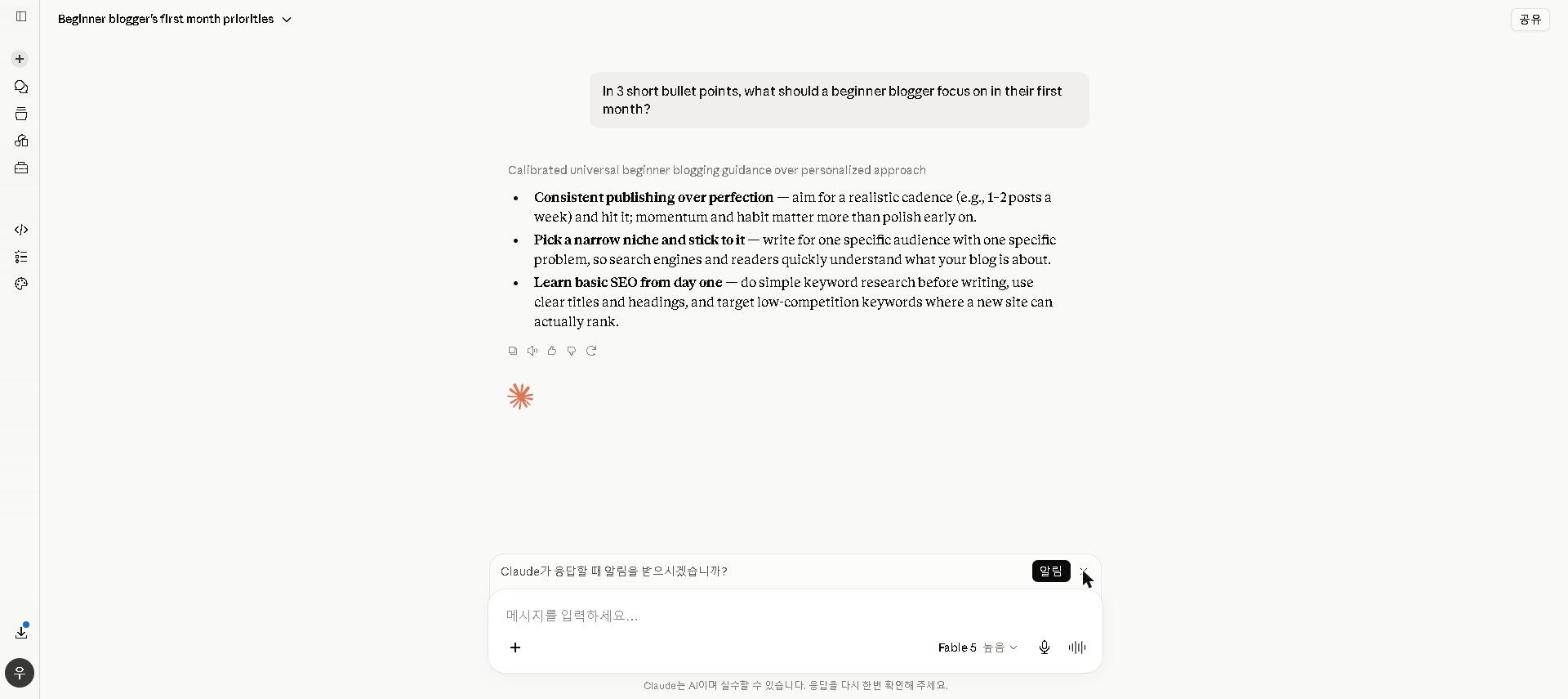
With research notes and a detailed outline ready, open Claude and write the full first draft.
Give Claude the outline, the research notes, and a clear brief about tone, audience and any specific requirements. Then work section by section rather than asking for the full post at once — this produces better quality and stays within Claude’s free plan limits more comfortably.
The section prompt:
Write the [section name] section of this blog post.
Tone: [tone]. Audience: [audience].
Key points to cover: [points from outline].
Relevant research to include: [relevant notes].
Target length: approximately [word count] words.
Write naturally — avoid generic phrasing and make the argument specific rather than broad.
What matters in this step:
The quality of Claude’s output is directly proportional to the quality of the brief. A detailed outline section with clear points and relevant research needs minimal editing; a vague brief written in a hurry takes far longer to fix.
This is also the step to add your own voice — real examples and specific observations that only you can supply. Claude provides structure and language; the perspective has to come from you. If you don’t have a real example for a point, leave it out rather than letting the AI invent one.
For a full breakdown of why Claude is my first-choice writing tool, see our Claude AI Review 2026.
The Full Workflow at a Glance
| Step | Tool | Purpose |
|---|---|---|
| Outline | ChatGPT | Structure and argument |
| First Draft | Claude | Section-by-section draft |
| Total | Two tools, two steps |
Compare that to writing without a system: no consistent structure, and quality that varies with how much energy there was that day.
What Doesn’t Work
Using one tool for everything. Doing research, outline and draft in a single ChatGPT conversation tends to produce worse output than splitting the work — each tool here does one step better than the alternatives, and consolidating loses that.
Skipping the outline. The time saved by skipping Step 1 is almost always lost again in editing.
Editing immediately after writing. Even a 30-minute gap between drafting and editing makes errors that were invisible while writing obvious.
Letting AI write the personal parts. The parts of a post that carry the most weight are the ones where a real person adds real experience or a genuine opinion. Write those yourself — and never prompt an AI to approximate an experience you didn’t have.
Who This Workflow Works Best For
This workflow is most effective for:
- Bloggers publishing 2–4 posts per week who need a consistent, repeatable process
- Content creators who want to maintain quality without spending 3–4 hours per post
- Writers who are comfortable editing AI output and adding their own voice
It’s less effective for:
- Highly technical or specialized content that requires deep domain expertise AI can’t provide
- Purely personal or narrative posts where the entire value is the writer’s unique voice and experience
- Writers who are just starting out and haven’t yet developed enough editorial judgment to know when AI output needs significant work
Final Thoughts
The AI workflow for writing blog posts that I’ve described here isn’t magic — it’s a systematic approach to removing the parts of the process that don’t require your judgment, so you can spend more time on the parts that do.
The outline step ensures the argument holds together. Claude handles the language. You provide the perspective, the real examples, and the editorial judgment that turns a competent draft into something worth reading.
If you’re currently writing blog posts without a system, start with one change: build an outline before you open a blank document. That step alone will change your process more than any other single adjustment.
What does your current blog writing workflow look like? Share in the comments — I’m always curious how other writers approach this, and whether others have found tools or steps that work better than these.
Last updated: September 2026
Written by Ian Sung — IT professional working in automation, scripting and workflow tooling. ChatGPT, Claude and Google Gemini are part of my daily work; every other tool covered here is assessed from a free-plan check, official documentation and verified user reviews, and each review says which applies.
Pingback: Can AI Replace a Content Writer? I Tried for 2 Weeks to Find Out | AI Tool Spot