TL;DR: The best free AI tools for students in 2026 are ChatGPT for writing and brainstorming, Perplexity AI for research with cited sources, and Claude for long-form essays. Together, they cover every major academic challenge — at no cost.
Being a student in 2026 means you have access to some of the most powerful AI tools ever built — and many of them are completely free.
AI adoption in education has accelerated significantly — with students increasingly using AI tools for research, writing assistance, and study preparation as part of their everyday academic workflow.
This list covers the tools students ask about most. ChatGPT, Claude and Gemini are the three I use every day; Canva AI and Perplexity AI I’ve only checked on their free plans, and Quizlet AI is covered from its official documentation and verified user reviews. Each section says which applies.
Should You Use These AI Tools?
- Do you struggle with essay introductions or writer’s block? → Yes, ChatGPT solves this immediately
- Do you need reliable sources for academic research? → Yes, Perplexity AI is essential
- Do you write long research papers? → Yes, Claude is the best free option
- Do you have exams coming up? → Yes, Quizlet AI turns notes into flashcards in seconds
- Are you worried about academic integrity? → Read our AI and Academic Integrity section below
Quick Comparison Table
| Tool | Best For | Free Plan | Paid Plan |
|---|---|---|---|
| ChatGPT | Writing & brainstorming | ✅ Yes | $20/month |
| Claude | Essays & long papers | ✅ Yes | $20/month |
| Google Gemini | Research & Google Docs | ✅ Yes | $19.99/month |
| Canva AI | Presentations & visual projects | ✅ Yes | $18/mo ($15 annual) |
| Perplexity AI | Research & fact-checking | ✅ Yes | $20/month |
| Quizlet AI | Studying & flashcards | ✅ Yes | $35.99/year |
1. ChatGPT — Best All-Round AI for Students
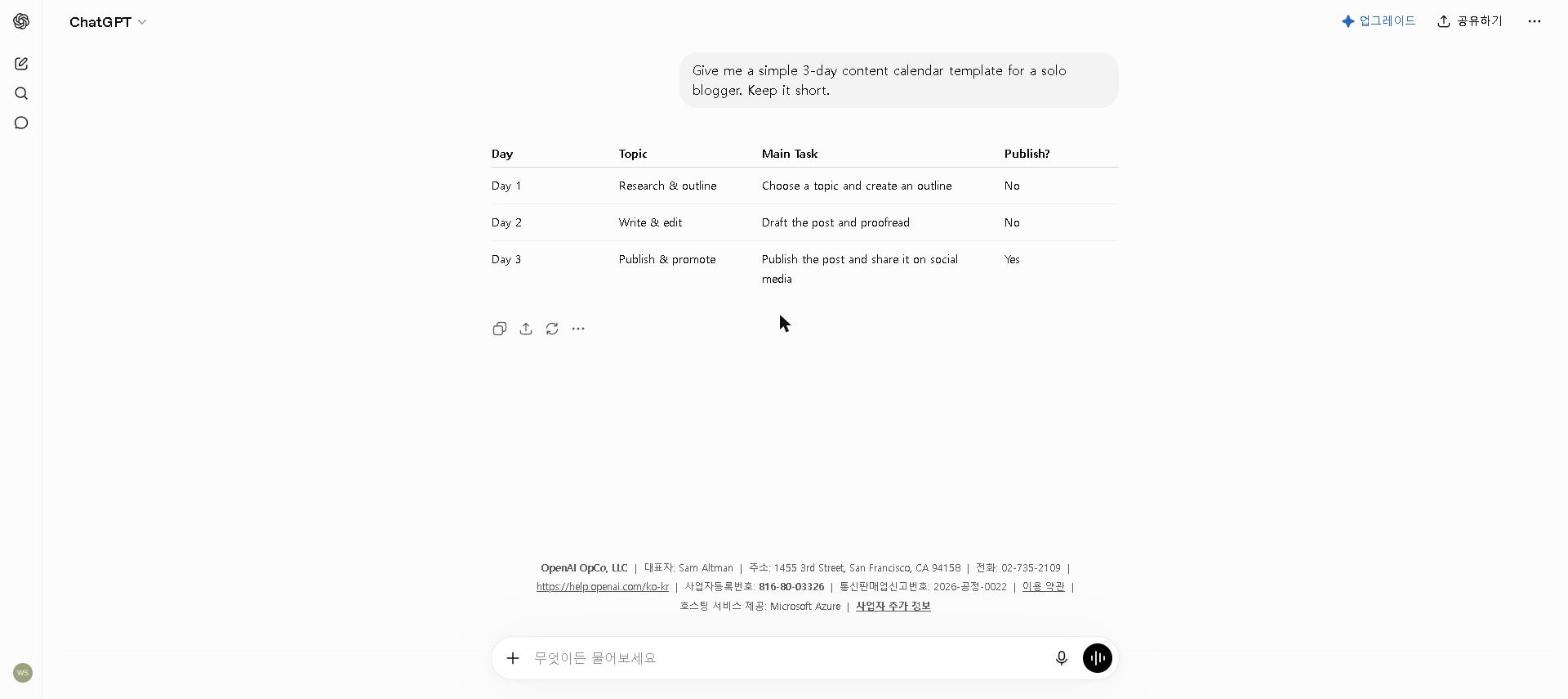
Best for: Essays, brainstorming, coding homework, and Q&A
ChatGPT is the most well-known AI tool for a reason — it’s incredibly versatile. Whether you’re stuck on an essay introduction, trying to understand a difficult concept, or need help debugging code for a CS assignment, ChatGPT handles it all.
Key Features
- Writes and edits essays, reports, and summaries
- Explains complex topics in simple language
- Helps with coding assignments in any language
- Free access to OpenAI’s latest model
Our Take
ChatGPT is the first tool we recommend to any student. Asking it to explain a difficult concept in simpler terms — and then to quiz you on it — is one of the most useful things it does. The free plan is more than enough for most student needs. For tips on getting the most out of ChatGPT’s free plan, see our How to Use ChatGPT for Free in 2026 guide.
👉 If you’re a student and only use one AI tool, make it ChatGPT.
Pricing: Free / $20 per month (Plus)
2. Claude — Best for Essays and Long Papers
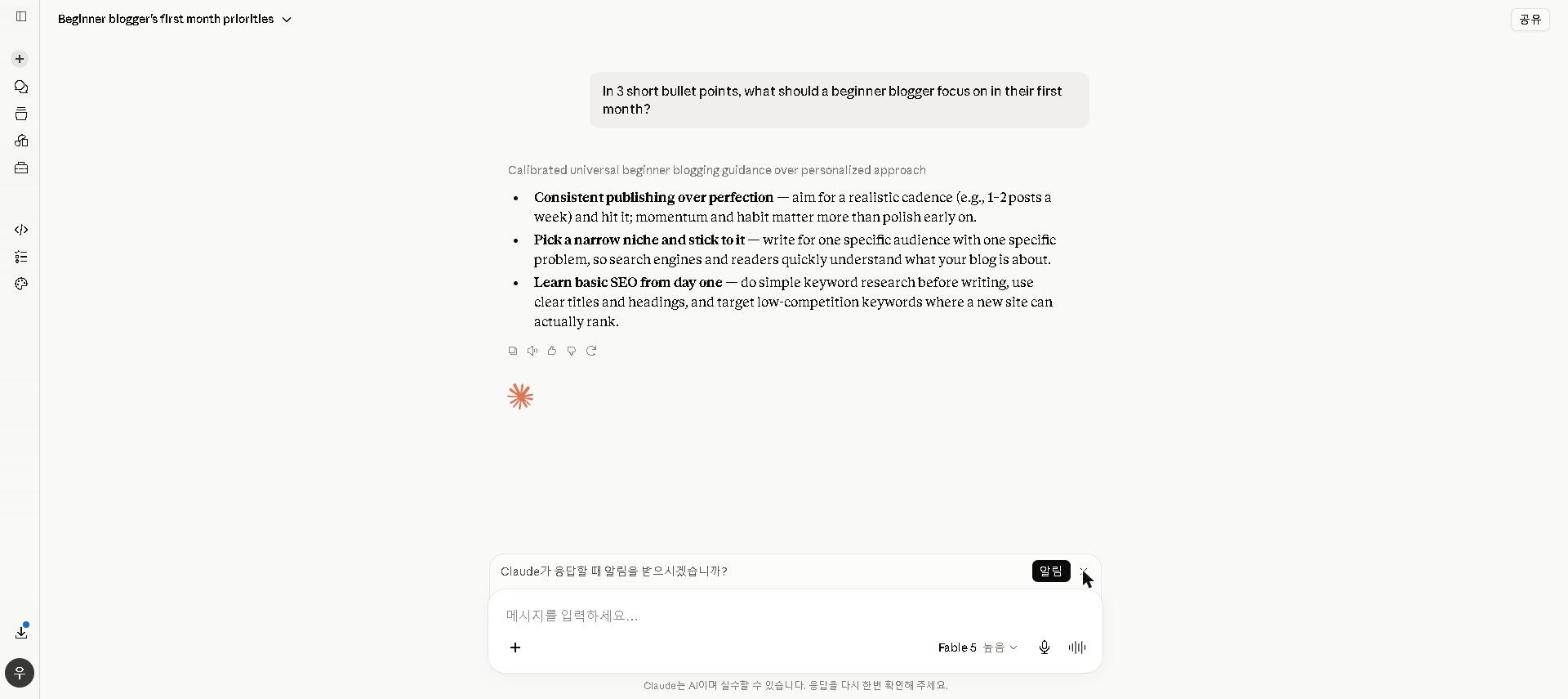
Best for: Long-form writing, research papers, and analysis
Claude is widely regarded as one of the best AI tools for writing, and it’s particularly well-suited for students who need to write long, detailed papers. Its writing feels natural, maintains context well across long documents, and follows complex instructions reliably.
Key Features
- Handles very long documents without losing context
- Excellent at academic-style writing and analysis
- Great for summarizing research papers and readings
- Strong at maintaining a consistent argument throughout
Our Take
Claude’s strength for students is holding a central thesis consistently across a long, multi-section outline — something that’s surprisingly hard for AI tools to do well. For students writing papers longer than a few pages, Claude is the most reliable free option. For a full breakdown of Claude’s capabilities, check out our Claude AI Review 2026.
👉 If you write a lot of essays or research papers, Claude should be your go-to.
Pricing: Free / $20 per month (Pro)
3. Google Gemini — Best for Research and Google Docs
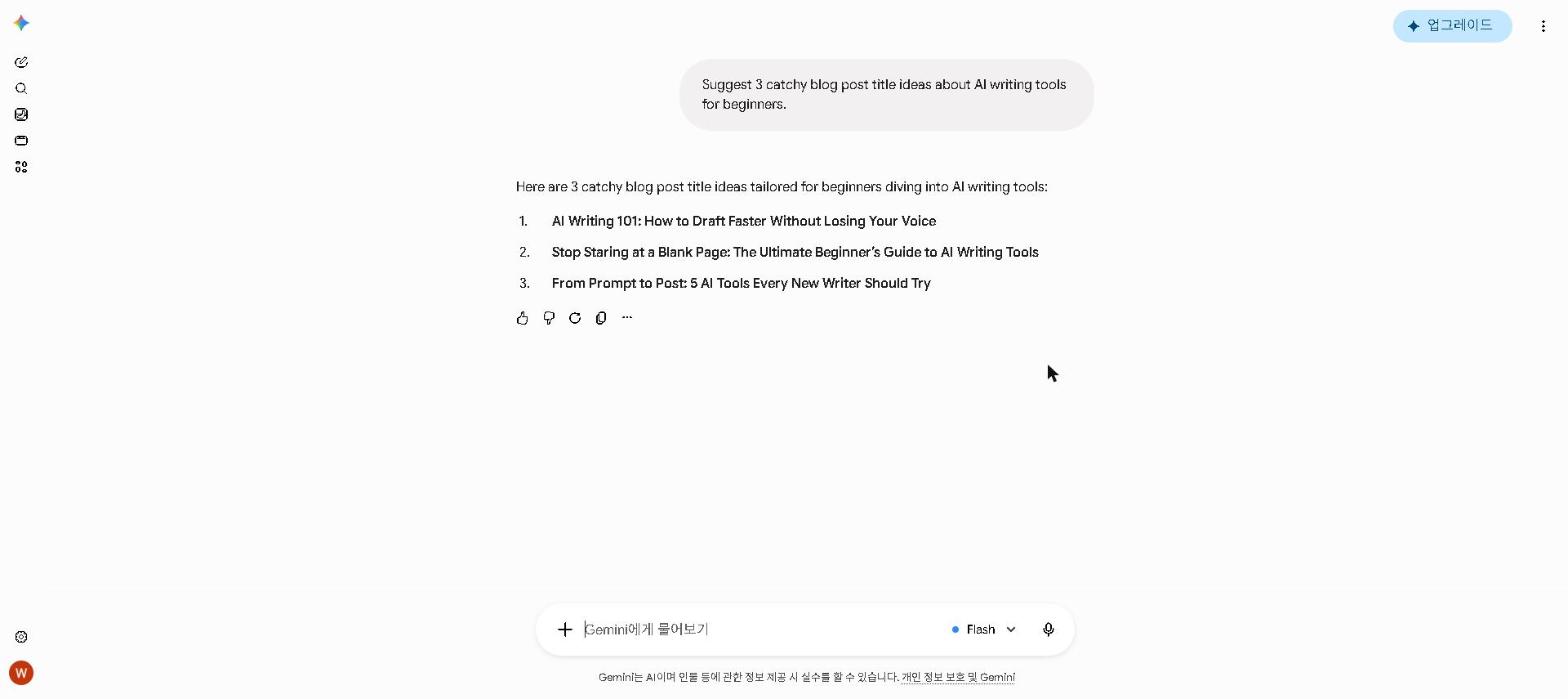
Best for: Research, summarizing readings, and Google Workspace
Most students already live in Google’s ecosystem — Google Docs, Google Drive, Gmail. Gemini integrates directly into all of these, making it the most practical AI tool for students who work in Google Workspace.
Key Features
- Works directly inside Google Docs and Gmail
- Real-time web search for up-to-date information
- Summarizes long documents and research papers
- Completely free with a Google account
Our Take
Gemini’s real strength for students is its Google Docs integration. Being able to highlight a paragraph in your essay and ask Gemini to improve it — without leaving the document — is genuinely useful. For quick research tasks and summarizing readings, it’s faster and more convenient than switching between tabs.
👉 If you use Google Docs for assignments, Gemini is a no-brainer addition to your workflow.
Pricing: Free / $19.99 per month (Google AI Pro)
4. Canva AI — Best for Presentations and Visual Projects
Best for: Class presentations, visual assignments, and group project slides
Every student eventually has to stand in front of a class and present — and Canva AI is the fastest way to turn a rough outline into a presentation that doesn’t look like it was built in 20 minutes the night before (even when it was). It combines AI image generation, layout suggestions, and thousands of templates in one free tool.
For a full breakdown of Canva AI’s features, check out our Canva AI Review 2026.
Key Features
- AI-generated slide layouts and design suggestions
- Magic Media for generating original images for slides
- Thousands of presentation templates
- Real-time group collaboration on the same deck
Our Take
An honest note: Canva AI replaced Notion AI’s slot in this list specifically to cover presentations, a genuine gap the rest of this list didn’t address — this is based on Canva’s official feature set and widely available user reports rather than a project of our own. Reviewers and Canva’s own documentation point to the same core value: AI layout suggestions and Magic Media image generation turn a rough outline into a full slide deck far faster than manually hunting for stock photos and fixing alignment, and for group projects specifically, real-time collaboration lets everyone work on their own slides simultaneously instead of emailing a file back and forth.
👉 If your assignments involve presentations or visual projects, Canva AI is the tool for you.
Pricing: Free / $18 per month ($15 on annual billing)
5. Perplexity AI — Best for Research and Fact-Checking
Best for: Academic research, fact-checking, and finding sources
Perplexity AI is like a smarter, more reliable version of Google Search — it gives you direct answers with cited sources, making it perfect for academic research. Unlike ChatGPT, it searches the web in real time and always shows you where its information comes from.
Key Features
- Real-time web search with cited sources
- Perfect for finding and verifying academic information
- Summarizes multiple sources into a single answer
- Free plan is very generous
Our Take
We’ve only checked Perplexity on its free plan rather than used it as a daily research tool, so this is based on that check plus verified user reviews. Its core value is clear: answers come with numbered citations you can click through, which makes finding sources worth reading faster than a plain search. Reviewers’ main caution is that a citation doesn’t always support the exact claim it’s attached to — so read the source before you cite it.
👉 Use Perplexity AI before ChatGPT when you need accurate, sourced information.
Pricing: Free / $20 per month (Pro)
6. Quizlet AI — Best for Studying and Exam Prep
Best for: Creating flashcards, studying, and exam preparation
Quizlet has been a student favorite for years, and its AI features have made it even more powerful. You can now paste in your notes or a chunk of text and Quizlet AI will automatically generate flashcards, practice questions, and study guides.
Key Features
- Auto-generates flashcards from your notes
- AI-powered practice tests and quizzes
- Explains answers when you get something wrong
- Works on mobile for studying on the go
Our Take
We haven’t used Quizlet AI ourselves; this is based on Quizlet’s official documentation and verified user reviews. The feature students cite most is pasting in notes and getting flashcards and practice questions back automatically, which removes the most tedious part of exam prep. The free plan covers the basics; the paid plan unlocks more advanced study modes.
👉 If you have an exam coming up, Quizlet AI is the fastest way to turn your notes into study material.
Pricing: Free / $35.99 per year (Plus)
Best Free AI Tools for Students by Use Case
Not sure which tool fits your situation? Here’s a quick guide:
- Best AI tool for essay writing: Claude
- Best AI tool for research: Perplexity AI
- Best free AI tool for students: ChatGPT
- Best AI tool for Google Docs: Google Gemini
- Best AI tool for presentations: Canva AI
- Best AI tool for exam prep: Quizlet AI
- Best AI tool for coding assignments: ChatGPT
- Best AI tool for summarizing readings: Claude or Gemini
Are AI Tools Cheating?
This is the question every student asks — and it’s worth addressing directly.
Using AI tools is not automatically cheating. The key is how you use them. Using AI to brainstorm ideas, understand difficult concepts, or improve your writing is no different from using a dictionary or asking a tutor for help.
Where it crosses the line is submitting AI-generated work as your own without understanding or editing it. Most universities now have clear policies on AI use — always check your institution’s guidelines before using AI for graded assignments.
Our recommendation: Use AI tools to learn faster and work smarter, not to replace your own thinking. The students who get the most out of AI are the ones who use it as a tool, not a shortcut.
Are Free AI Tools Good Enough for Students?
Absolutely — especially in 2026. The free plans of ChatGPT, Claude, and Gemini are significantly more capable than they were just a year ago. For most student tasks — essay writing, research, studying, note organization — you don’t need to pay for anything.
The paid plans are worth considering if you hit usage limits regularly or need advanced features like higher message limits or priority access during peak hours. But for the average student, the free tools on this list are more than enough.
Who This Is NOT For
Skip AI writing tools if you:
- Are in your first week at university and haven’t developed your own academic voice yet — build that foundation first
- Attend an institution that prohibits AI tool use entirely — always check your institution’s policy first
- Want to submit AI-generated work without understanding or editing it — this crosses into academic dishonesty
- Only have one or two assignments per semester — the setup time won’t be worth it at very low volume
Final Thoughts
AI tools have become an essential part of student life in 2026. The tools on this list are free, powerful, and genuinely useful — whether you’re writing essays, preparing for exams, or trying to stay organized.
Start with ChatGPT and Claude for writing tasks, add Perplexity AI for research, and use Quizlet AI when exam season hits. Together, they cover almost every academic challenge — at no cost.
Have you used any of these tools as a student? Let us know in the comments which ones have helped you the most!
Last updated: September 2026
Written by Ian Sung — IT professional working in automation, scripting and workflow tooling. ChatGPT, Claude and Google Gemini are part of my daily work; every other tool covered here is assessed from a free-plan check, official documentation and verified user reviews, and each review says which applies.
Pingback: Best AI Tools for Productivity in 2026 | The AI Tool Spot
Pingback: How to Use AI to Write Better Essays in 2026 | AI Tool Spot
Pingback: Notion AI Review 2026: Is It Worth It? | AI Tool Spot
Pingback: Google Gemini Review 2026: Is It Worth It? | AI Tool Spot
Pingback: Is ChatGPT Plus Worth It in 2026? (Free vs Paid Honest Review) | AI Tool Spot
Pingback: Grammarly Review 2026: Is It Worth It? | AI Tool Spot
Pingback: How to Use ChatGPT for Free in 2026 | AI Tool Spot