The best AI tools for freelancers in 2026 matter less for the core work than for everything around it — proposals, follow-ups, client communication and the admin that eats into billable hours.
Where this list comes from: ChatGPT and Claude are part of my daily work. Grammarly and Canva AI I’ve checked on their free plans, and HoneyBook is covered from its official documentation and verified user reviews. I’m an IT professional rather than a full-time freelancer, so this is a guide to what each tool is good at, not a freelance case study.
If you only care about the short answer: start with ChatGPT for proposals and client communication, Claude for high-quality deliverables, and Grammarly for polish. All three have strong free plans.
Should You Use AI Tools as a Freelancer?
- Do you send more than 3 proposals per week? → Yes, ChatGPT will cut your proposal drafting time significantly
- Do you deliver written content to clients? → Yes, Claude will improve quality and reduce editing time
- Are you manually assembling proposals, contracts, and invoices for every new client? → Yes, HoneyBook will cut that onboarding time dramatically
- Do you only freelance a few hours per month? → Free plans cover light use — no paid plan needed
Quick Comparison Table
Bottom line: The free plans of ChatGPT, Claude and Grammarly together address every major freelance workflow challenge — at no cost.
The Tools, and Where Each One Fits
1. ChatGPT — My First Stop for Client Communication
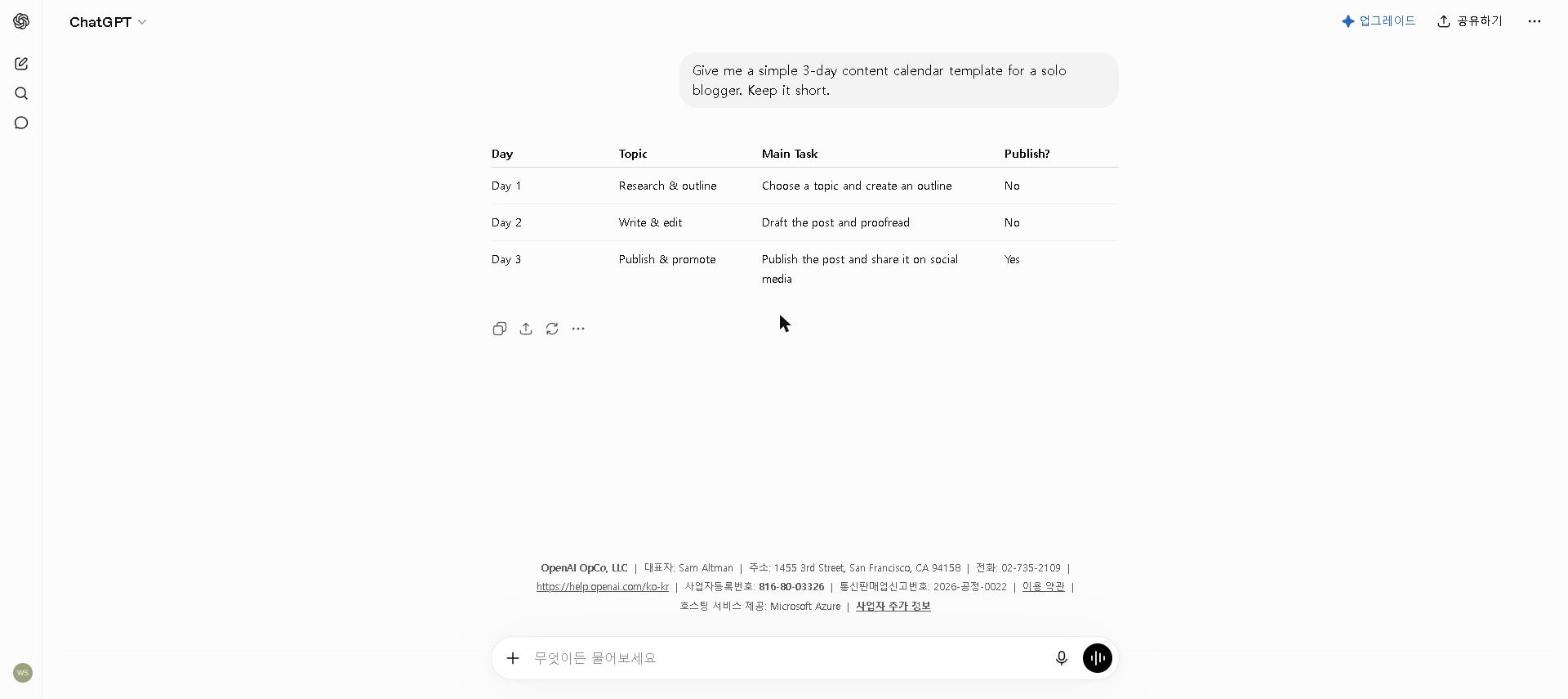
The problem it solves: proposals take a disproportionate amount of time when each one starts from scratch and needs careful positioning.
How to use it: build a reusable proposal prompt that specifies the client’s industry, the project scope, the key value proposition and the tone, then refine it over a few iterations. First drafts become quick to produce and more consistently structured than ones written from scratch under time pressure.
The catch: generic prompts produce generic proposals. With detailed context about the client, the project and the outcome they care about, the output is a strong starting point — the specifics you add in editing are what make it yours.
For tips on getting the most from the free plan, see our How to Use ChatGPT for Free in 2026 guide.
Pricing: Free / $20 per month (Plus)
2. Claude — For Deliverables That Represent Your Best Work
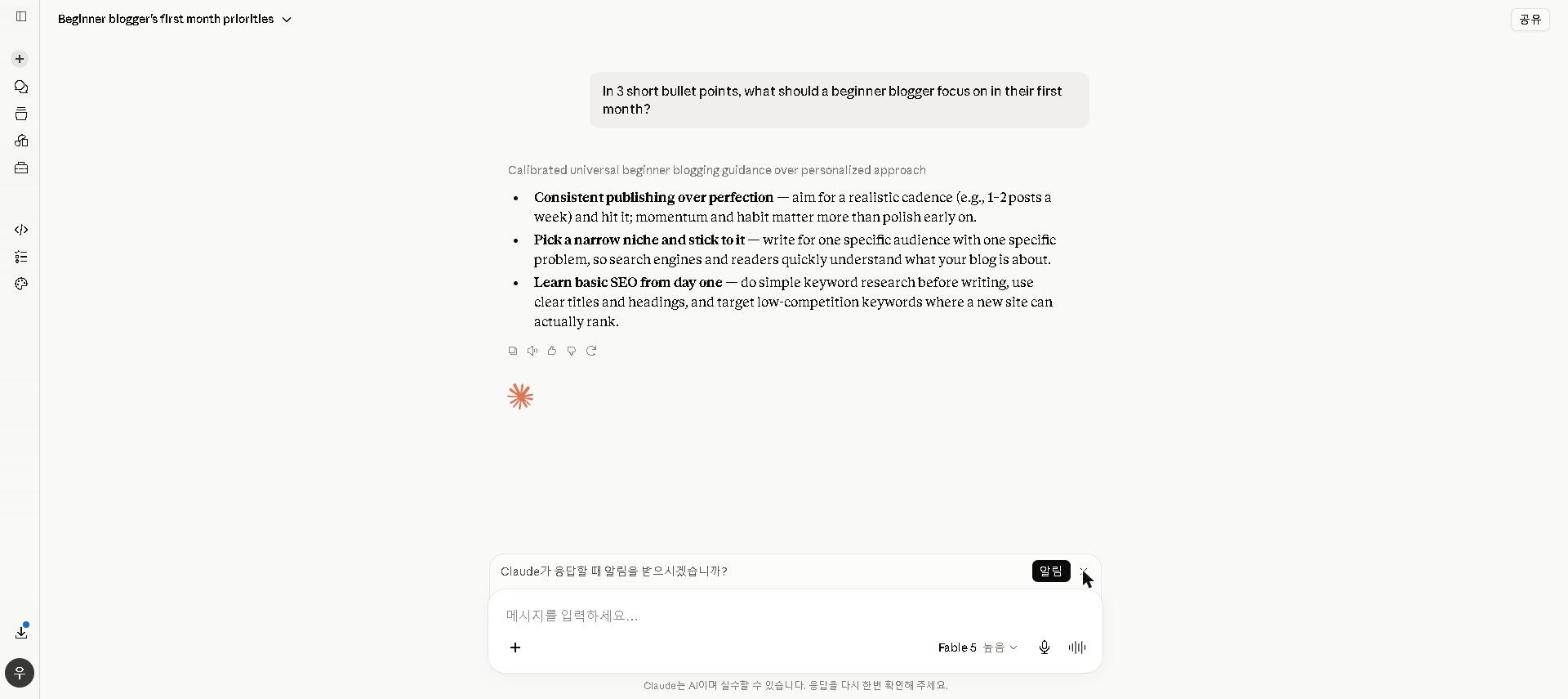
The problem it solves: client deliverables — reports, documentation, detailed recommendations — need to be better than what you can produce quickly under deadline pressure.
Why Claude: its long-form writing needs less editing before it is ready to send, and it holds tone and precision across a long document better than the alternatives I use.
Where it fits best: technical documentation, detailed project recommendations, complex client emails where tone and precision both matter, and any deliverable where the quality of the writing reflects directly on your professional reputation.
For a full breakdown of Claude’s capabilities, see our Claude AI Review 2026. For a comparison of Claude vs ChatGPT for writing tasks, see our ChatGPT vs Claude 2026 guide.
Pricing: Free / $20 per month (Pro)
3. Grammarly — A Safety Net Before Anything Goes Out
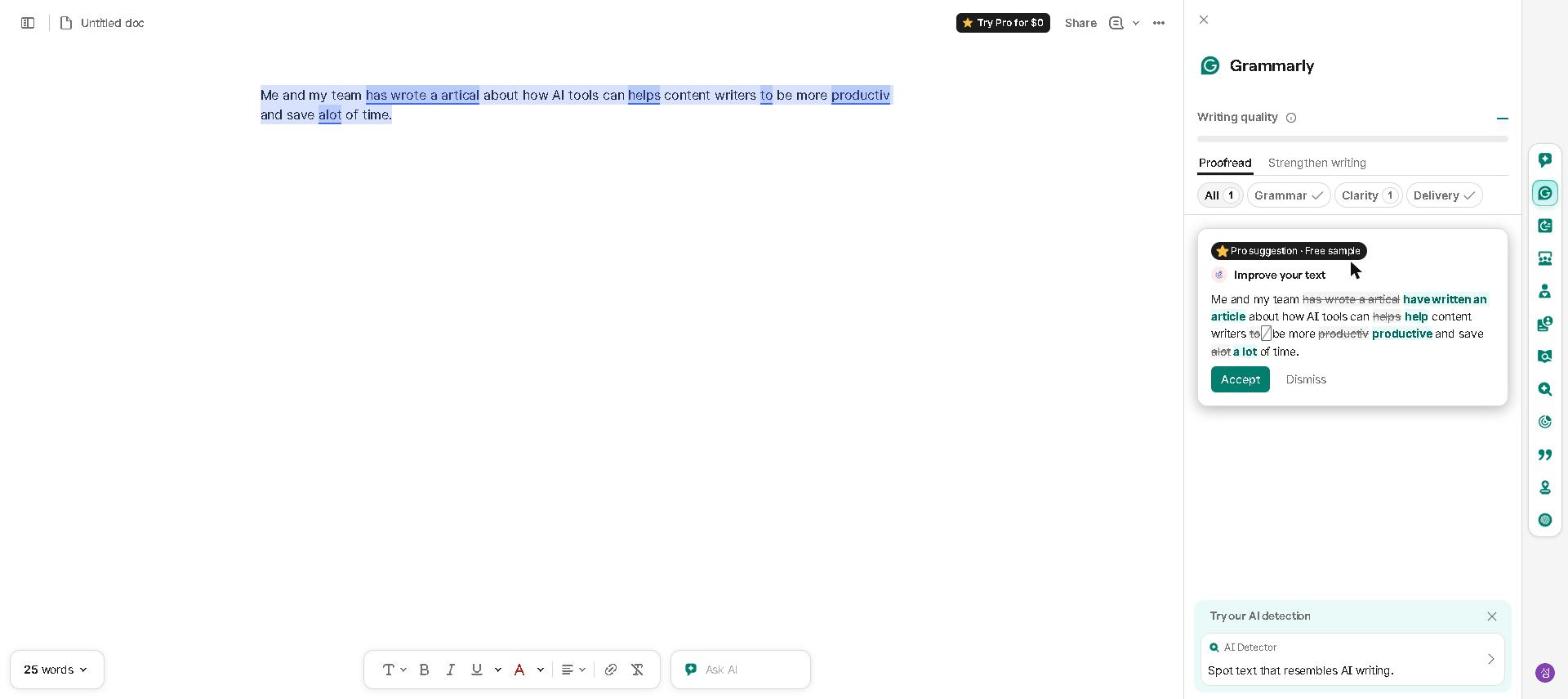
The problem it solves: Client-facing communication sent with errors or wrong tone is difficult to recover from as a freelancer. There’s no team to catch mistakes before they go out.
What it does: running in the background across Gmail, Google Docs and most other platforms, it gives you a final check before anything leaves your screen. We’ve checked it on the free plan rather than used it daily; verified reviewers say the errors it catches are usually the ones that are invisible when you’re close to the text.
Free or Pro: for most freelancers the free tier catches the recurring errors that matter. Reviewers describe the Pro features as worthwhile mainly for people who write a lot of client-facing copy every day.
For a full breakdown of Grammarly’s features, see our Grammarly Review 2026.
Pricing: Free / $30 per month ($12 on annual billing) — the plan is now called Pro
4. HoneyBook — For the Contracts and Invoices That Eat Your Evenings
An honest note: HoneyBook replaced Notion AI’s slot in this list specifically to be more freelancer-specific — we haven’t run our own client work through it, so this is based on its official feature set and what verified users report, not personal use.
What it’s designed to solve: Every new client typically means assembling a proposal, a contract, and an invoice from separate templates, then chasing signatures and payments afterward. HoneyBook combines all three into a single client flow, and its built-in AI drafts client emails and pulls meeting notes automatically from calls — collapsing what’s usually three separate documents into one flow a client can review, sign, and pay from in the same place.
What to weigh before signing up: There’s no free plan — pricing starts at $29/month billed annually — and payment processing fees (2.9% + 25¢ per card transaction) apply on top of the subscription. For a freelancer onboarding new clients regularly, the consolidation is likely worth it. For occasional freelancers, a simple invoice template is probably enough.
Pricing: From $29 per month on annual billing (monthly costs more)
5. Canva AI — For Proposals and Deliverables That Look Professional
The problem it solves: proposals in plain Word documents can look less professional than your rates suggest.
What it offers: branded proposal templates with clear section formatting and AI-generated visuals where relevant. We’ve only checked Canva AI on a free plan, so this leans on Canva’s documentation and verified user reviews, which credit it with making proposals look more polished without design skills.
Time cost: once a template is set up, a polished proposal takes about as long as a plain document; the one-time setup is where the effort goes.
For a full breakdown of Canva AI’s features, see our Canva AI Review 2026.
Pricing: Free / $18 per month ($15 on annual billing)
Common Mistakes
Using an all-in-one client platform for very small projects. For a small one-off gig, building out a full proposal-contract-invoice flow in something like HoneyBook can take longer than sending a simple invoice. Reviewers say it earns its setup time on recurring or higher-value client relationships, not on every small job.
Sending AI first drafts without editing. The classic failure is a client email that goes out with the wrong name, or a detail from another project, still in it. AI tools are assistants — every client-facing output needs a human review before it goes out.
Building Your Free Freelance AI Toolkit
The best part about AI tools for freelancers in 2026 is that the free plans cover most needs:
If you’re starting today, use this exact setup:
- ChatGPT (free) → proposals, emails, content creation
- Claude (free) → high-quality long-form deliverables
- Grammarly (free) → professional communication polish
This combination covers every major freelance communication challenge at no cost. Add HoneyBook as your client volume grows.
Best AI Tools for Freelancers by Specialty
- Best for freelance writers: Claude + Grammarly
- Best for freelance developers: ChatGPT + Claude Code
- Best for freelance designers: Canva AI + ChatGPT
- Best for freelance consultants: Claude + HoneyBook
- Best free freelance toolkit: ChatGPT + Claude + Grammarly
Who This Is NOT For
Skip this toolkit if you:
- Are just starting out and haven’t landed your first client yet — focus on building skills before optimizing workflow
- Work in a highly regulated industry where AI-assisted content is prohibited
- Only freelance occasionally (a few hours per month) — setup time won’t pay off at very low volume
Frequently Asked Questions
Which AI tool saves freelancers the most time?
For most freelancers, ChatGPT for proposal writing and client communication delivers the most immediate time savings.
Can I build a complete freelance AI toolkit for free?
Yes — the free plans of ChatGPT, Claude and Grammarly together cover every major freelance workflow challenge without payment required.
Is Claude or ChatGPT better for freelancers?
They serve different needs. ChatGPT is better for quick communication tasks and proposals. Claude is better for high-quality long-form deliverables. Most serious freelancers use both. For a detailed comparison, see our ChatGPT vs Claude 2026 guide.
Final Thoughts
Start with ChatGPT’s free plan for client communication and see how much time it saves you on the next proposal you write. That single data point will tell you more about whether this toolkit is worth building than anything else I’ve written here.
What AI tool has made the biggest difference in your freelance work? Share in the comments — I’m especially curious whether solo operators in different fields have found different tools more useful than this list suggests.
Last updated: September 2026
Written by Ian Sung — IT professional working in automation, scripting and workflow tooling. ChatGPT, Claude and Google Gemini are part of my daily work; every other tool covered here is assessed from a free-plan check, official documentation and verified user reviews, and each review says which applies.